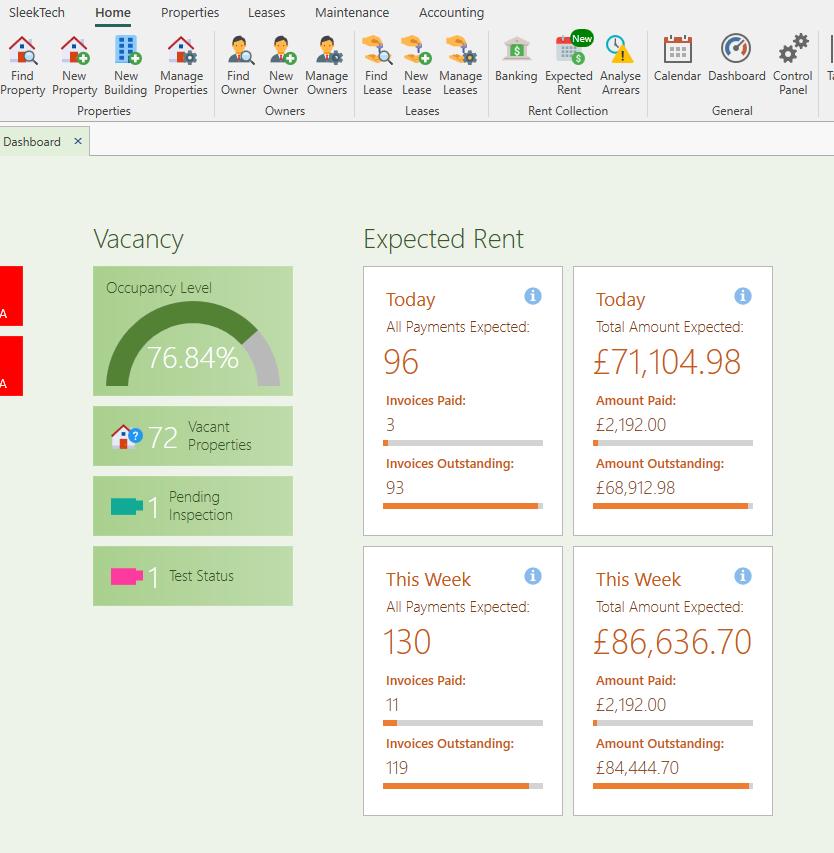
Expected Rent on Dashboard
Four new cards have been added to the dashboard to quickly show you expected rent payments and totals for today and for the entire week.
You can click on each of them to open them Expected Rent window filtered to today or this week.
Unsecured deposits on dashboard.
Another card has been added to the dashboard on the Leases section for Unsecured deposits.
Clicking on it will open all tenancies you hold a deposit for but no TDP certificate is attached.
This will help you make sure that all tenant deposits are protected with a TDP.
Default layout for letters and emails
You can now set a default header and footer for all your letters. Once set up, all new letters will automatically be prefilled with your default layout, and you can also easily insert the defaults into an existing letter.
Another section that can be set up is your email signature. Once set up it will go into any new email template you create.
To set these sections go to Control Panel > Letter Management > Set Default Sections (at the top window ribbon).
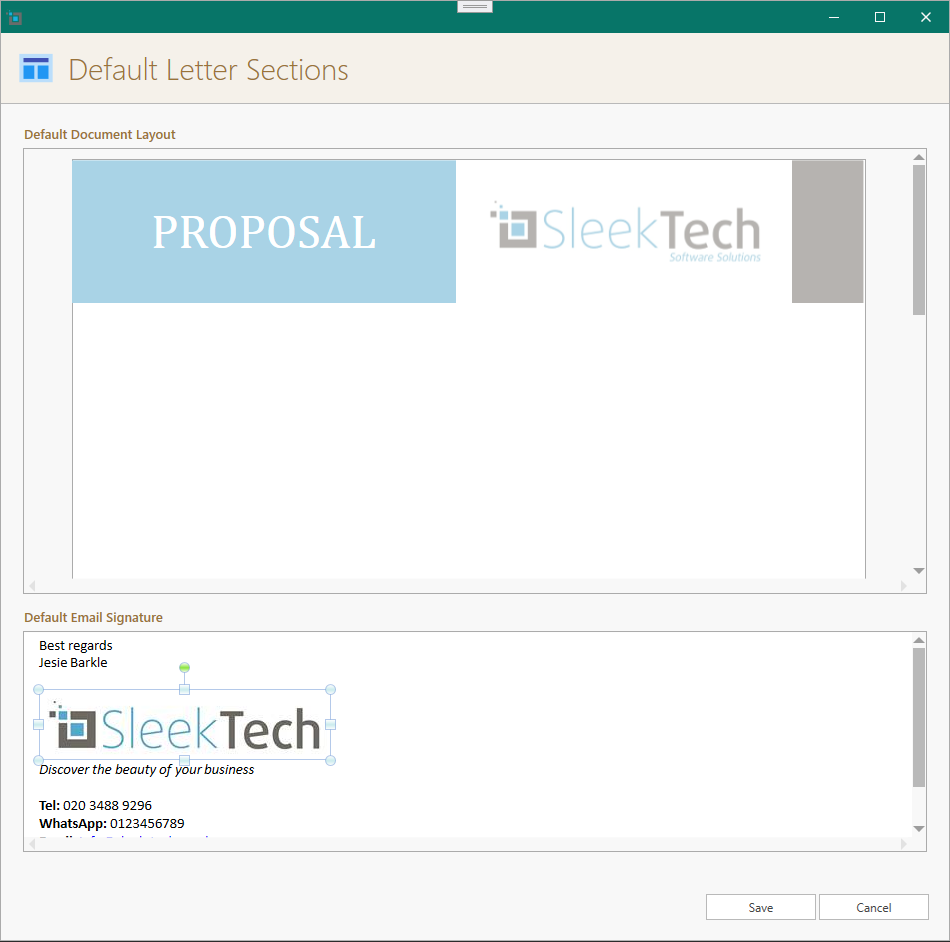
Set default header and footer for letters.
To set default header and footer, just open any letter of your company in Word, or you can create a new layout in Word.
When you are happy with the layout, copy all by clicking CTRL +A and paste everything into the Default Document Layout section.
You can then delete everything except the header and footer.
Set default signature for emails.
To set default email signature just open any email in Outlook and copy the entire signature section.
Paste everything into the Default Email Signature section and click Save.
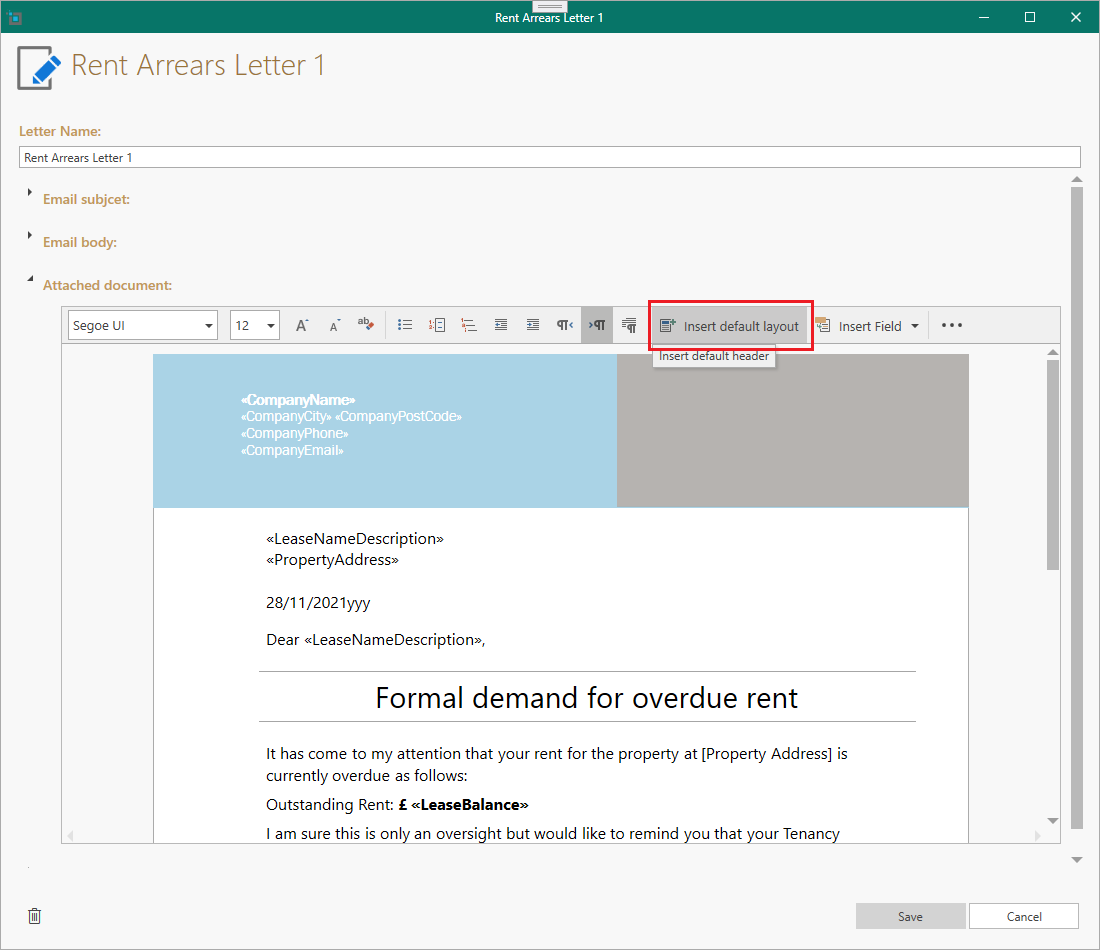
Insert default layout into an existing letter.
To add the default header and footer into an existing letter template, open the letter template.
Click Insert Default Layout.
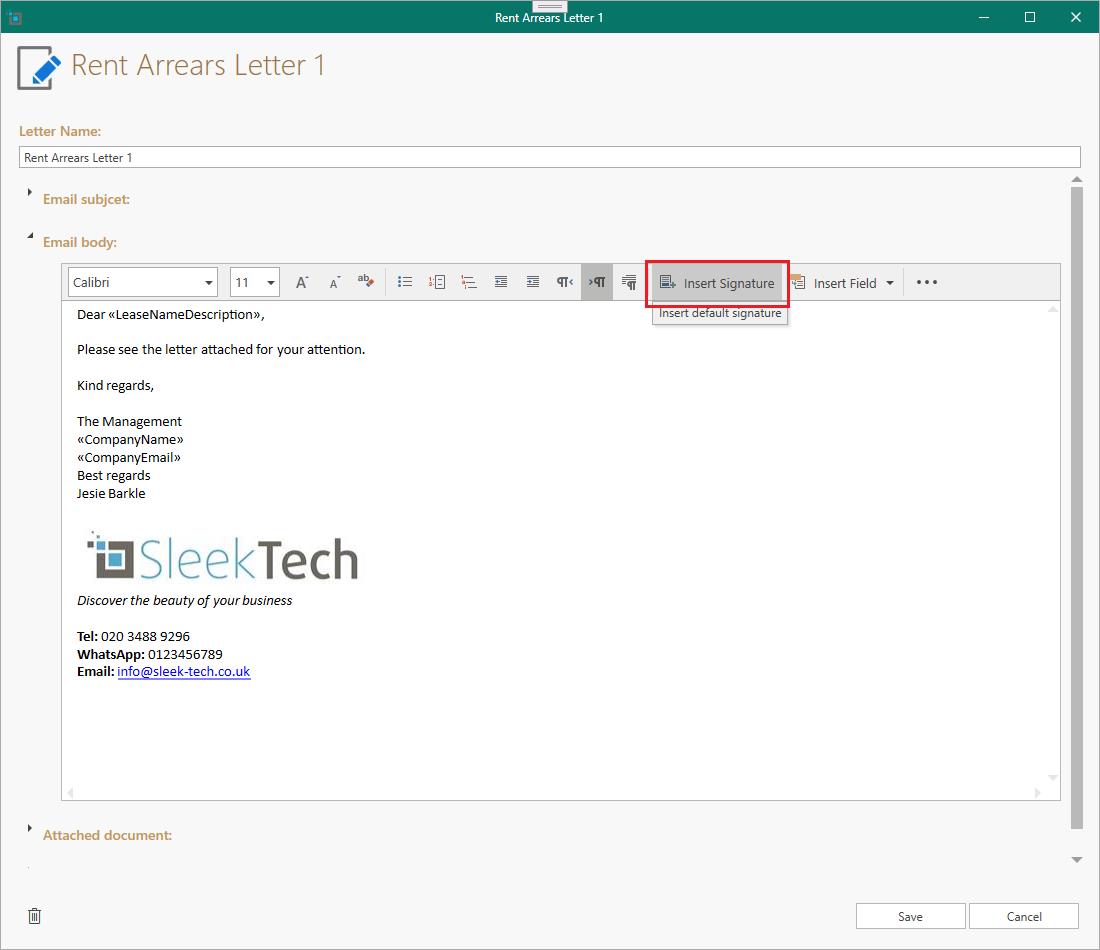
To insert the email signature, expand the Email body section and click Insert signature.
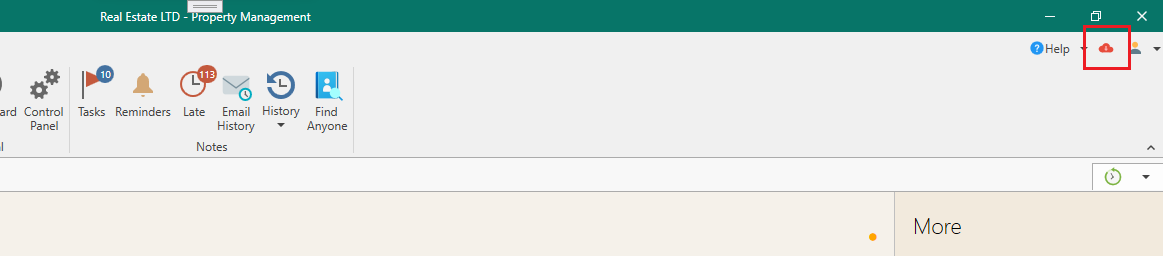
New updates indicated on main window.
When a new update is available, the update button (cloud icon) will show in red to indicate that its ready to be updated.
Click it and confirm to download the latest update.