
This is how to amend the address of a building and all of the units in the building:
- Open the building or property.
- Click on Edit from the page ribbon. If this Edit button is not accessible, you may need permission for this.
- See the article for more on this. Edit button
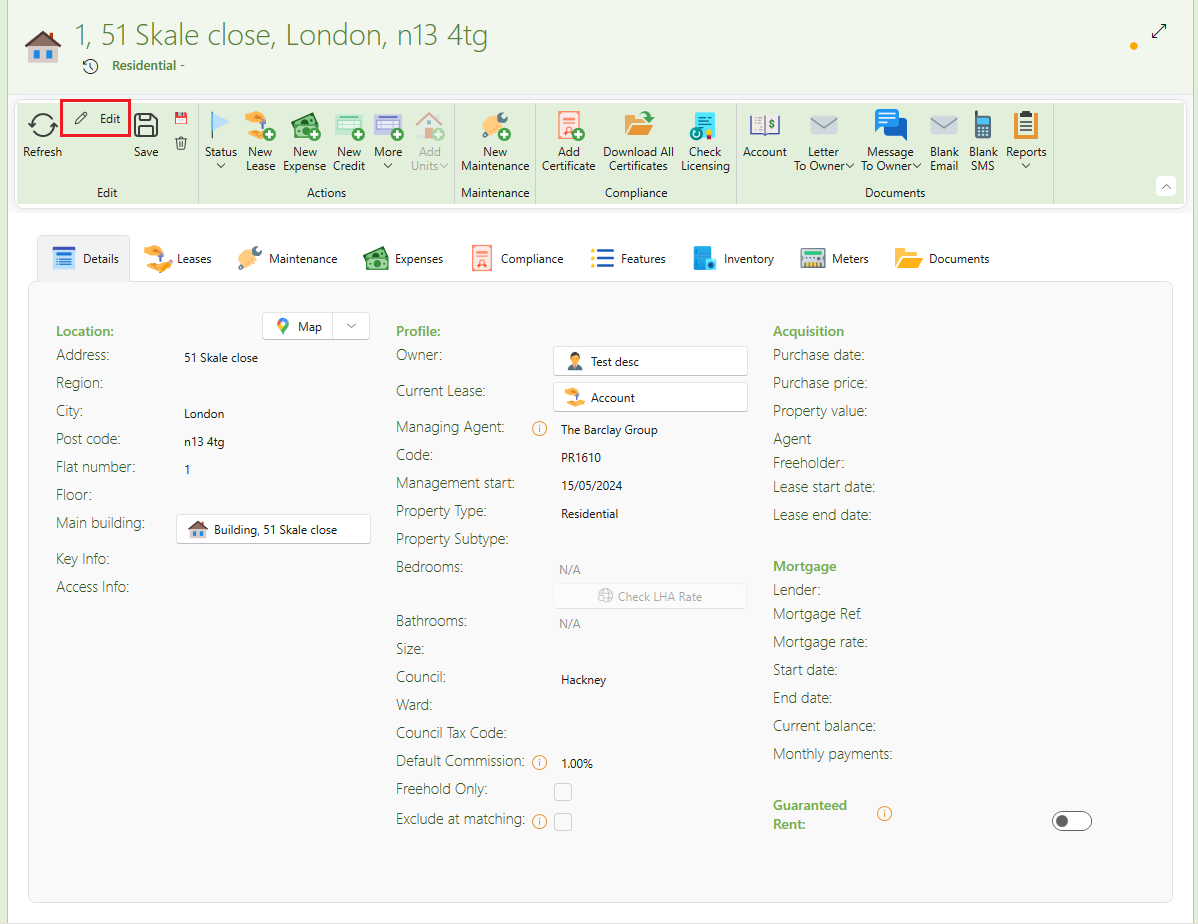
- Make the necessary changes to the address.
- Click Save.
- SleekTech will ask you whether you want to apply those changes to the building only, or to all units as well.
- Click Change all.
- The amendments will be applied to all units of the building.
- The flat numbers will remain unchanged.
Want to know more? Click on following links.