This is how to end a tenancy:
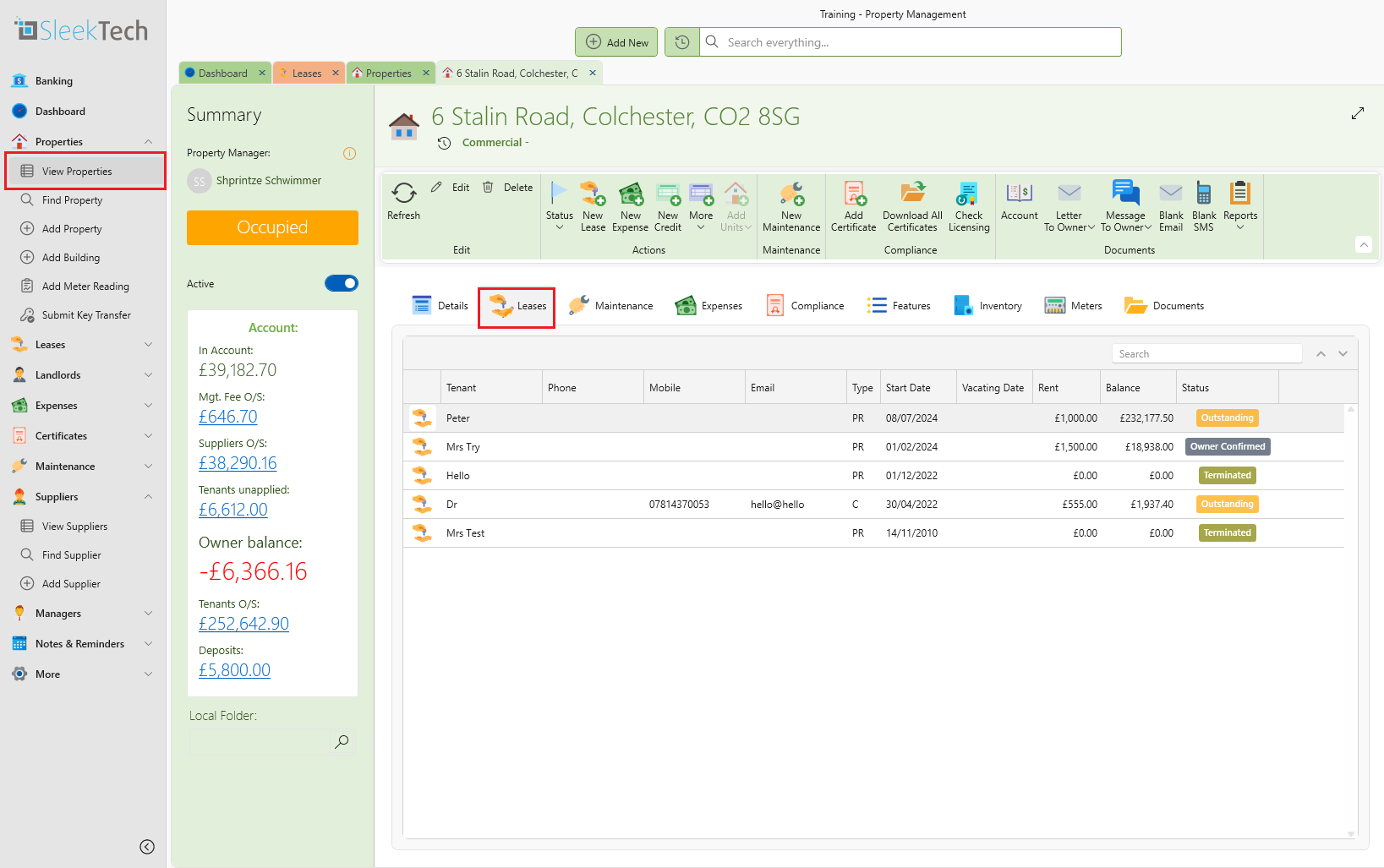
- Open the lease page.
- Fill in the Charge rent until box. This will determine up to which date SleekTech will charge rent.
- Fill in the Tenant vacating date. This does not affect invoices, but will mark the property as Vacant from that date.
- You can also fill in the Contract End date but it is not mandatory.
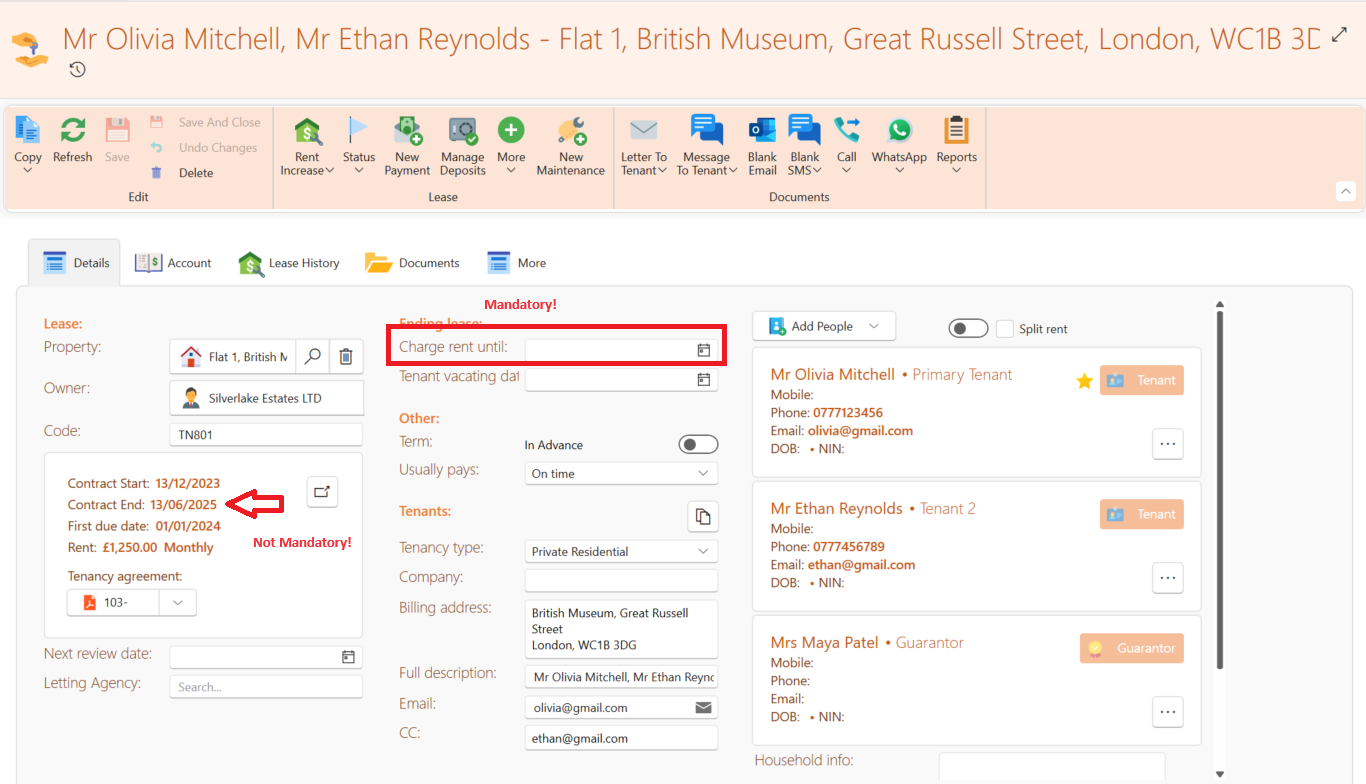
- If the provided date is in the future, SleekTech will stop generating invoices for this tenancy starting from that date.
- If the date is in the past, ensure that all invoices dated beyond that point are deleted.
- If the end date is in the middle of the rent period, SleekTech will create a partial rent invoice for that period.
- Once the end date has passed, the lease will be marked as Terminated if the balance is zero, if not zero will be marked as O/S terminated. You will need to release the deposit for the balance to clear to zero, please see the following article for guidance on this: How to release tenant deposits
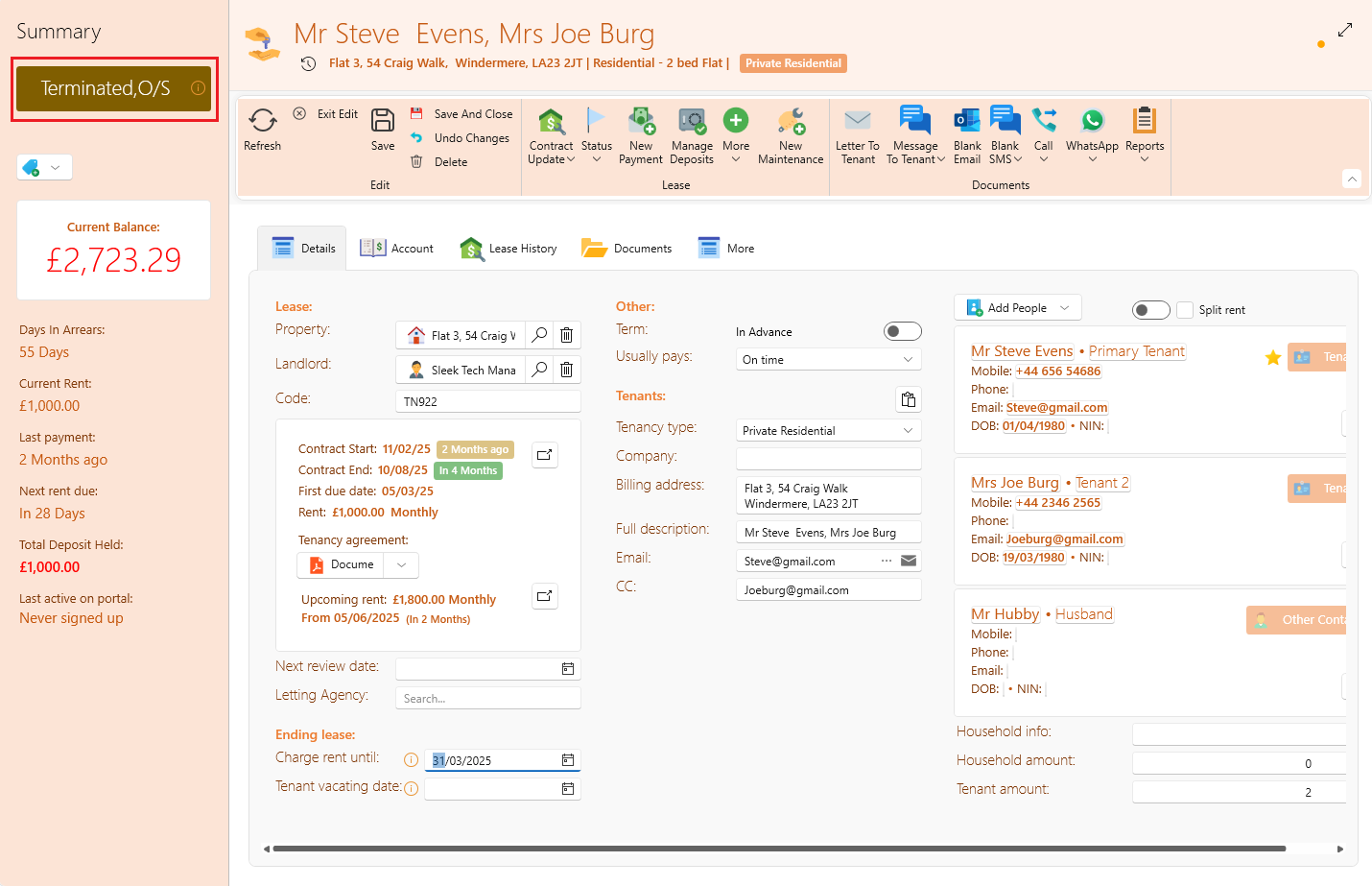
- If the end date has passed but the tenant is still outstanding it will still show up on All arrears so that you remember to settle the balance.
Post termination
Although a tenancy is terminated, rest assured that all its details and history remain safely stored in the system. However, it will no longer appear under Find Leases.
To view a terminated tenancy follow these simple steps:
- Click on View Leases. The top ribbon has a toggle switch. Use it to toggle from Active to View All. The View All list includes all the tenancies including those that have been terminated.
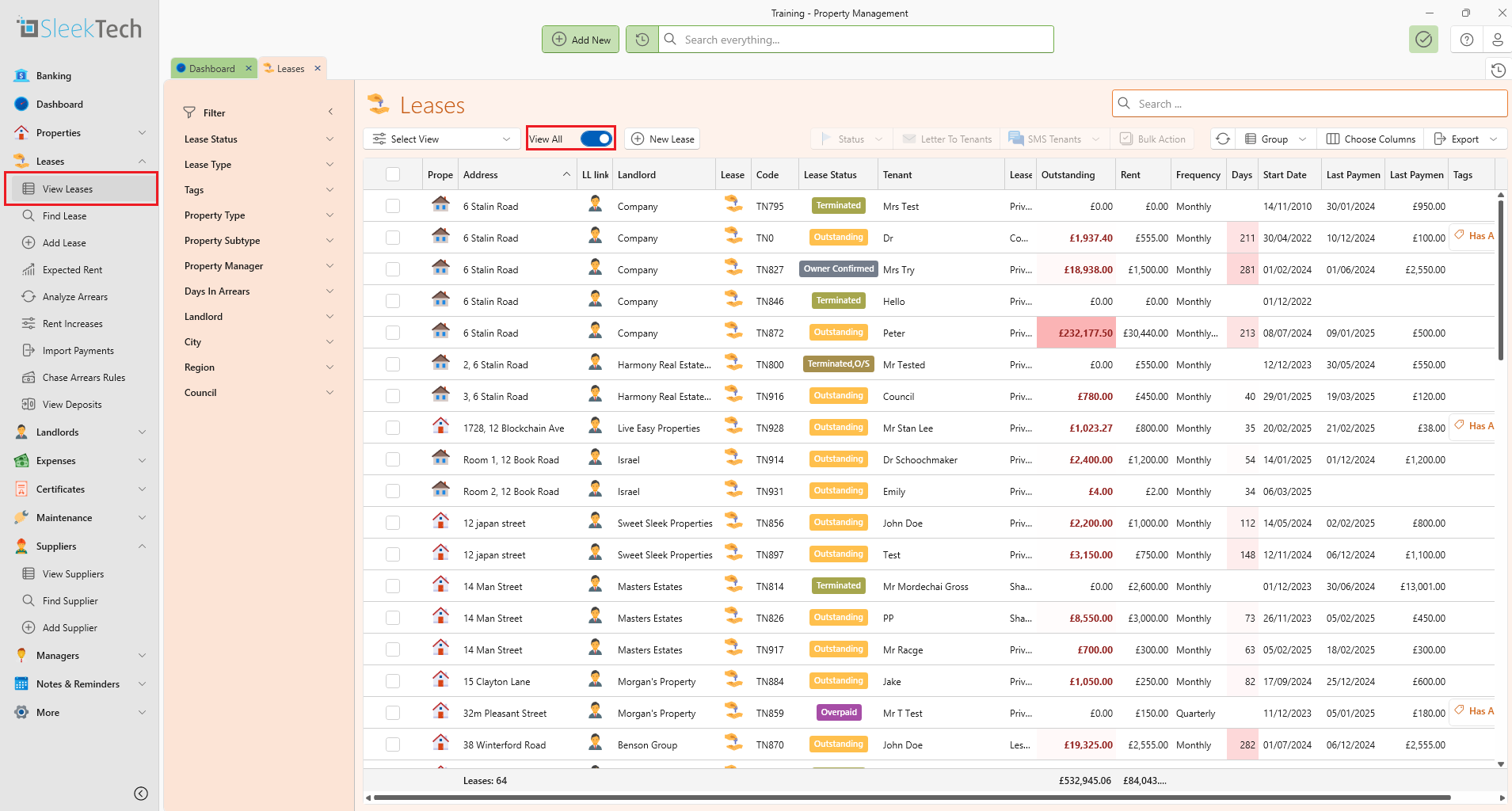
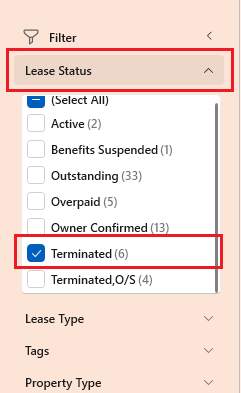
- Another way to filler to terminated tenancies on the View Leases page is by clicking on View Leases then select Lease Status. A dropdown list will appear and you can scroll down and select Terminated.
You can also find terminated tenancies by following these steps:
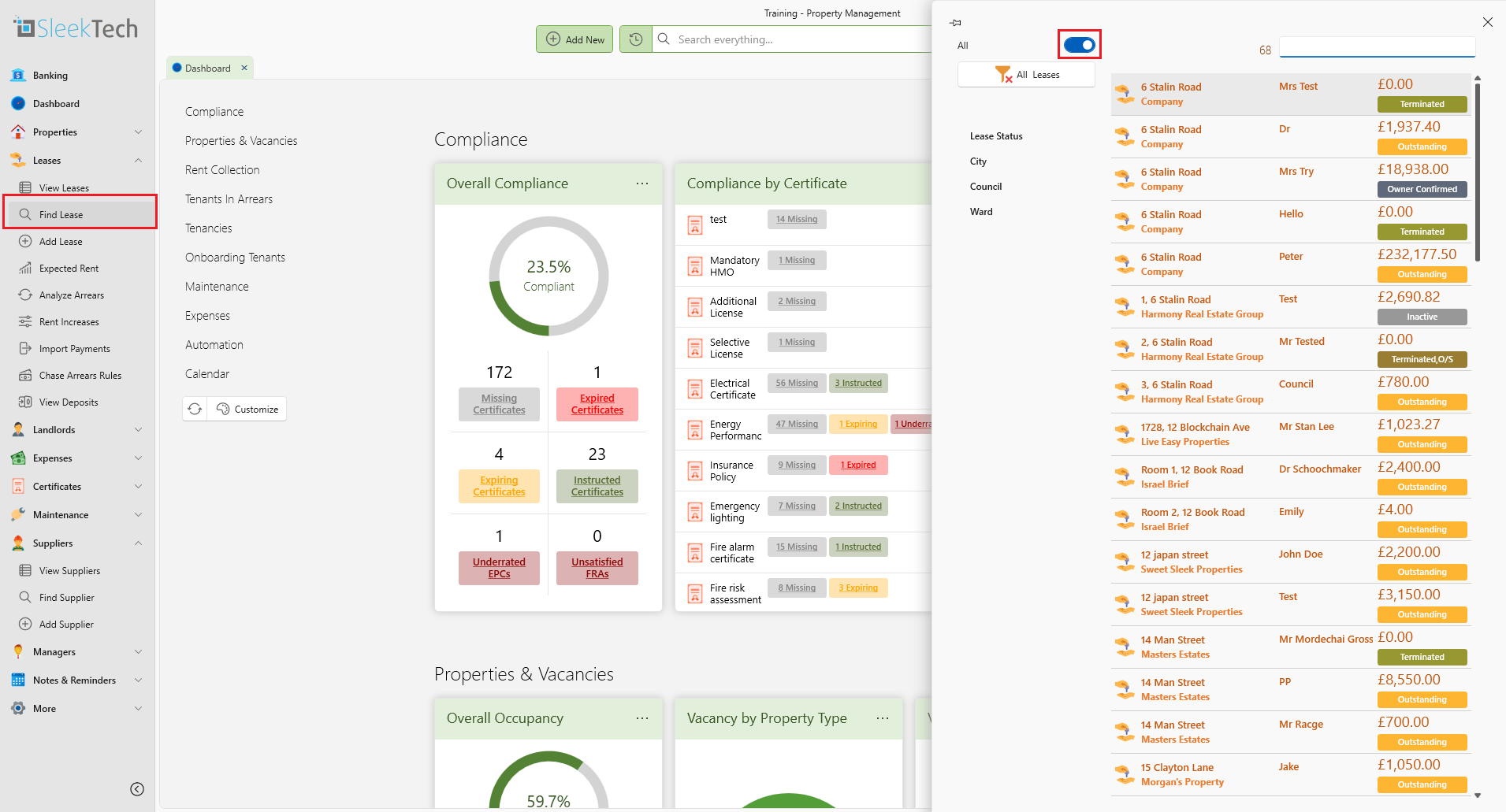
- Click on Find Leases, and look for the toggle switch at the top.
- Switch the toggle switch. The colour will change to blue and all the terminated tenancies will now appear.
- Another way to view terminated tenants is by clicking on View Properties. On the property page, click on Leases. On the Leases tab you will find all the tenants including those that been Terminated.