It's a good practice to ensure every incoming payment recorded is immediately applied to the correct tenant.
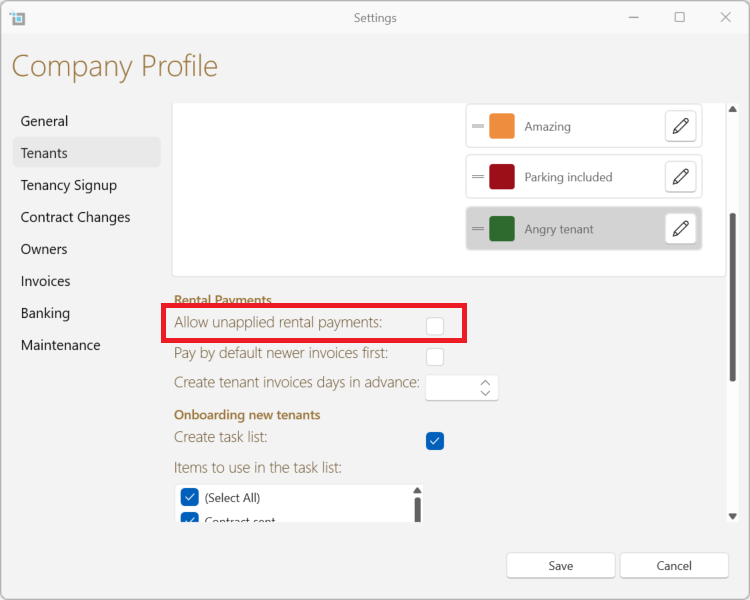
This is how you can make sure that a payment that hasn't been fully applied can't get saved.
- From the main ribbon go to Control Panel.
- Click Settings.
- Select the Tenants tab.
- Under Rental Payments header, make sure the Allow unapplied rental payments settings is unchecked.
- If you are confident with leaving the payments unapplied, you can check the box.
- Click Save.