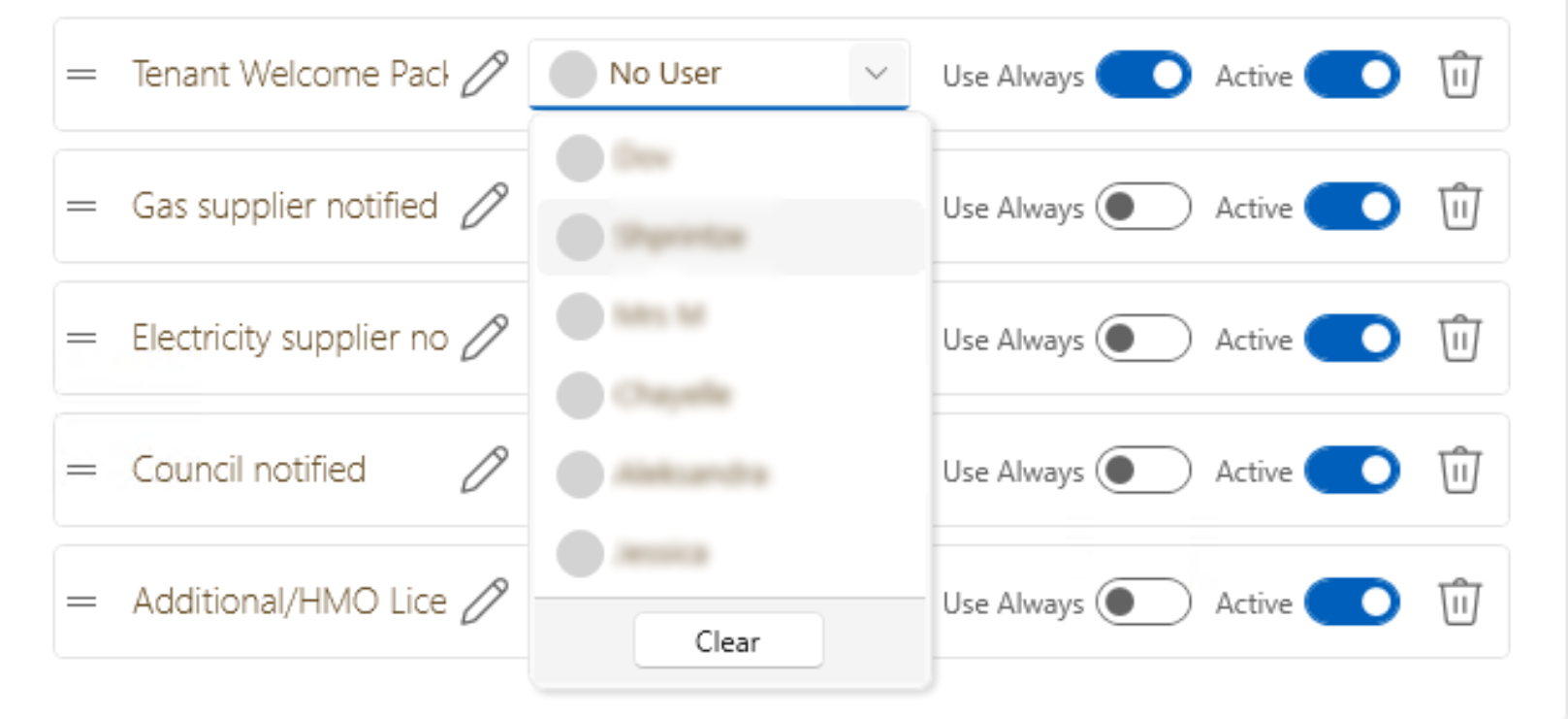
This is how to switch on the tenancy task list feature:
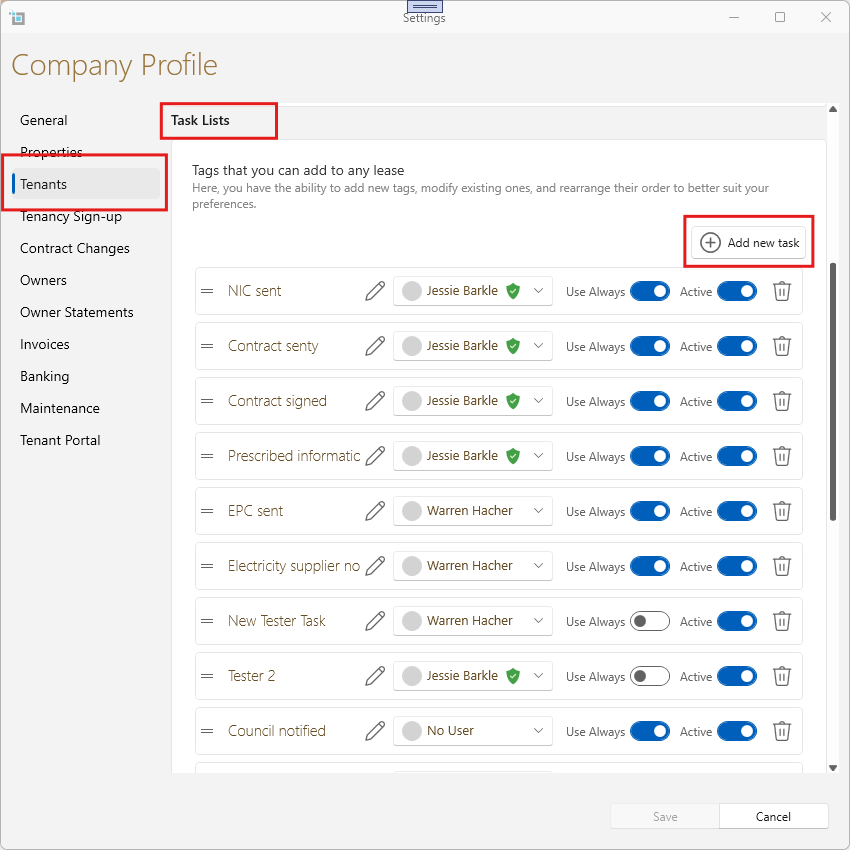
- From the main ribbon go to Control Panel.
- Click Settings.
- Go to the Tenants tab.
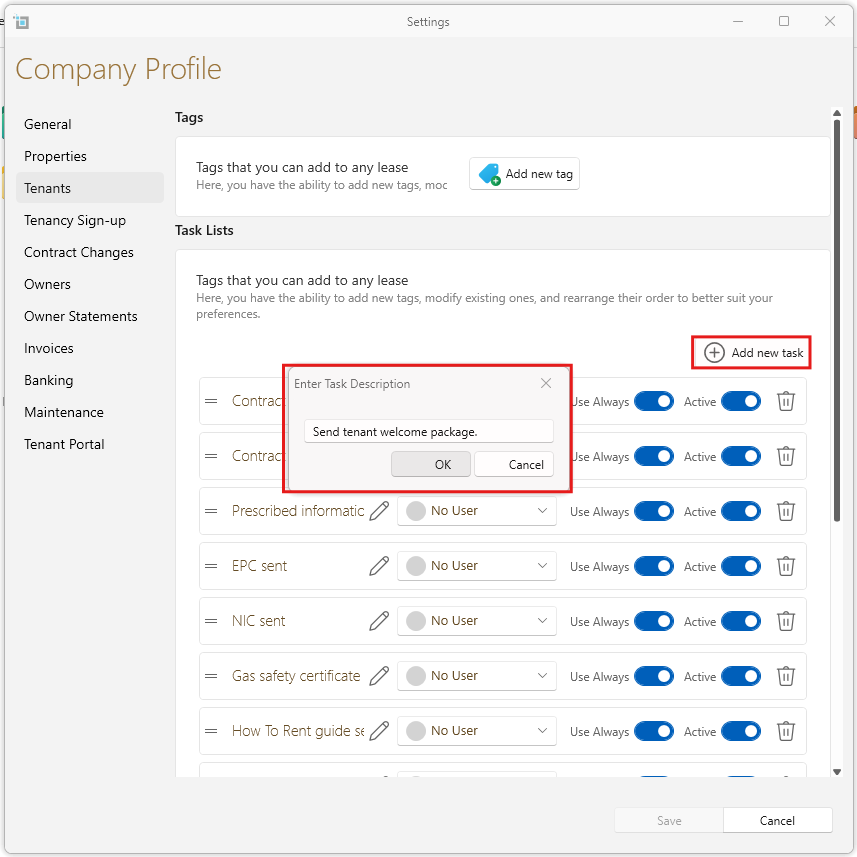
- Check the Add new Task button.
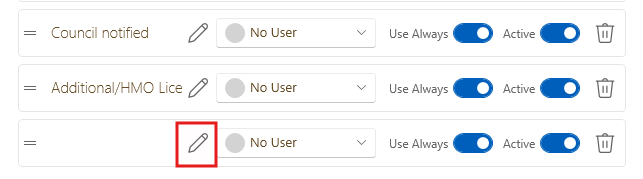
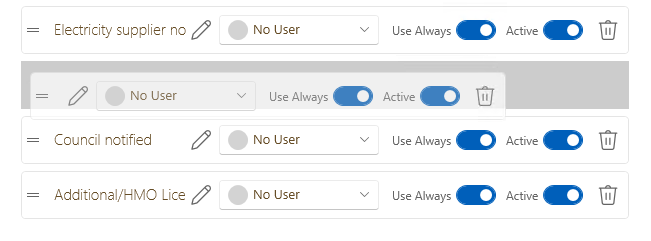
- Once checked, you can select default tasks you want us to automatically add to new tenancies.
- You can always, add or remove specific tasks for individual tenancies, manually.
- Click Save.
- Please note, this will only affect new tenancies and not existing tenancies.
- You can add tasks to existing tenancies manually.