How to check your current SMS credit balance:
- Go to More under the side panel and select Control Panel
- Click on Settings
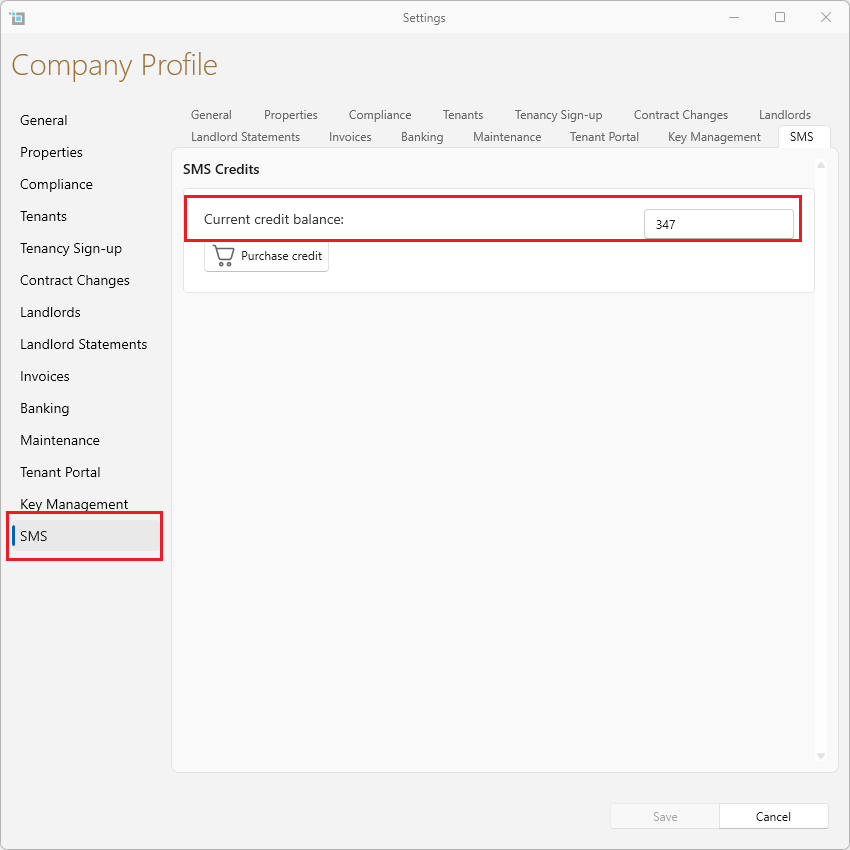
- Select SMS at the bottom
- Your balance will show in the box shown.
How to add more SMS credits:
- Go to More under the side panel and select Control Panel
- Click on Settings
- Select SMS at the bottom
- Click on Purchase credit
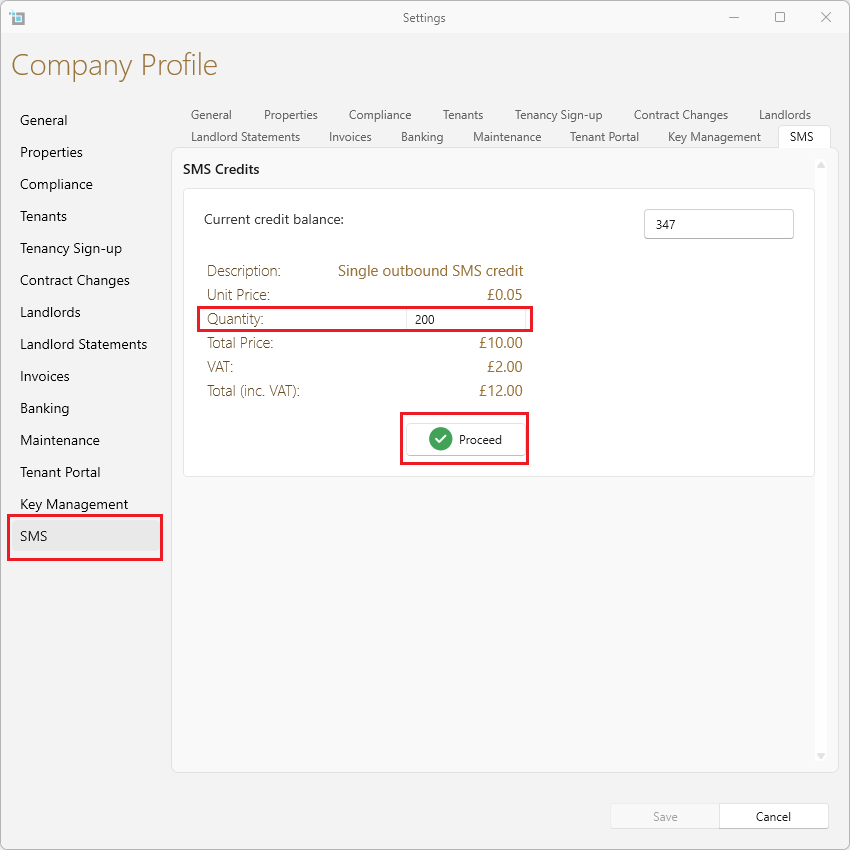
- Put in the amount of SMS messages you want in the Quantity box.
- The pricing per SMS and the total price will be shown.
- Click on Proceed.
- Your account has now been topped up.