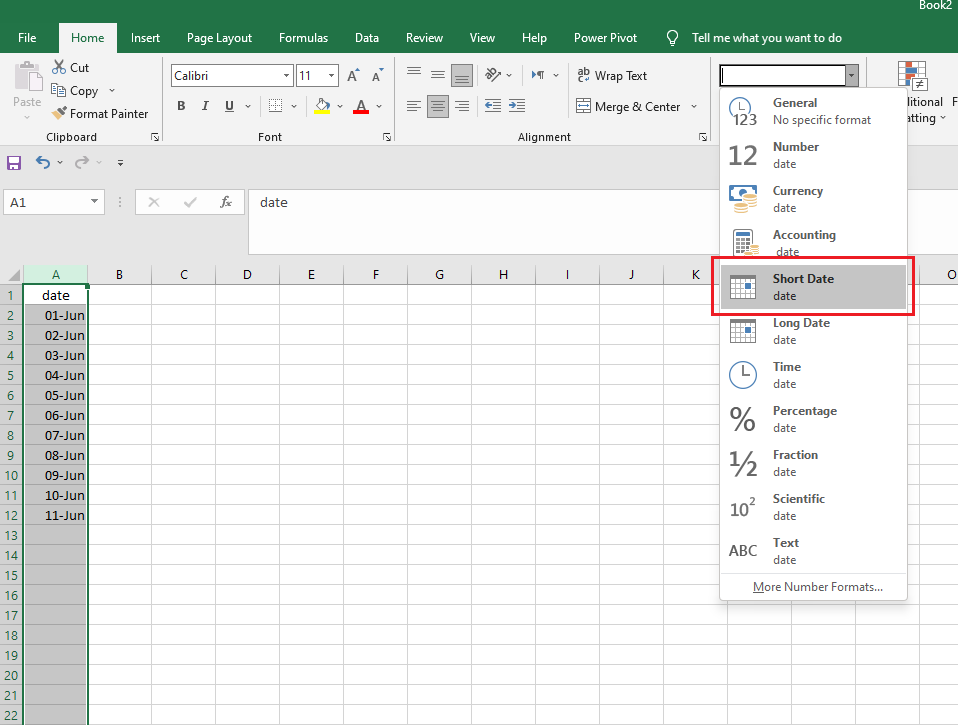
This is what to do when the dates are not recognized while manually importing your bank statement.
- Open your excel document
- Select the date column
- Format the column as date as shown below
- Similarly, select the amount, or credit and debit columns and format as Number.
- Save and close the document.
- Try importing again.