
Please note! You only delete or amend the latest statement for each owner. If you have to delete e.g. statement no. #0009 and you already created statement no. #0010, you will have to delete statement #0010 first and then you will be able to delete statement no. #0009.
This is how to delete a statement:
- On the owner page go to the Statements tab.
- Open the statement.
- Click the Bin icon button at the bottom left of the statement window to delete the statement.
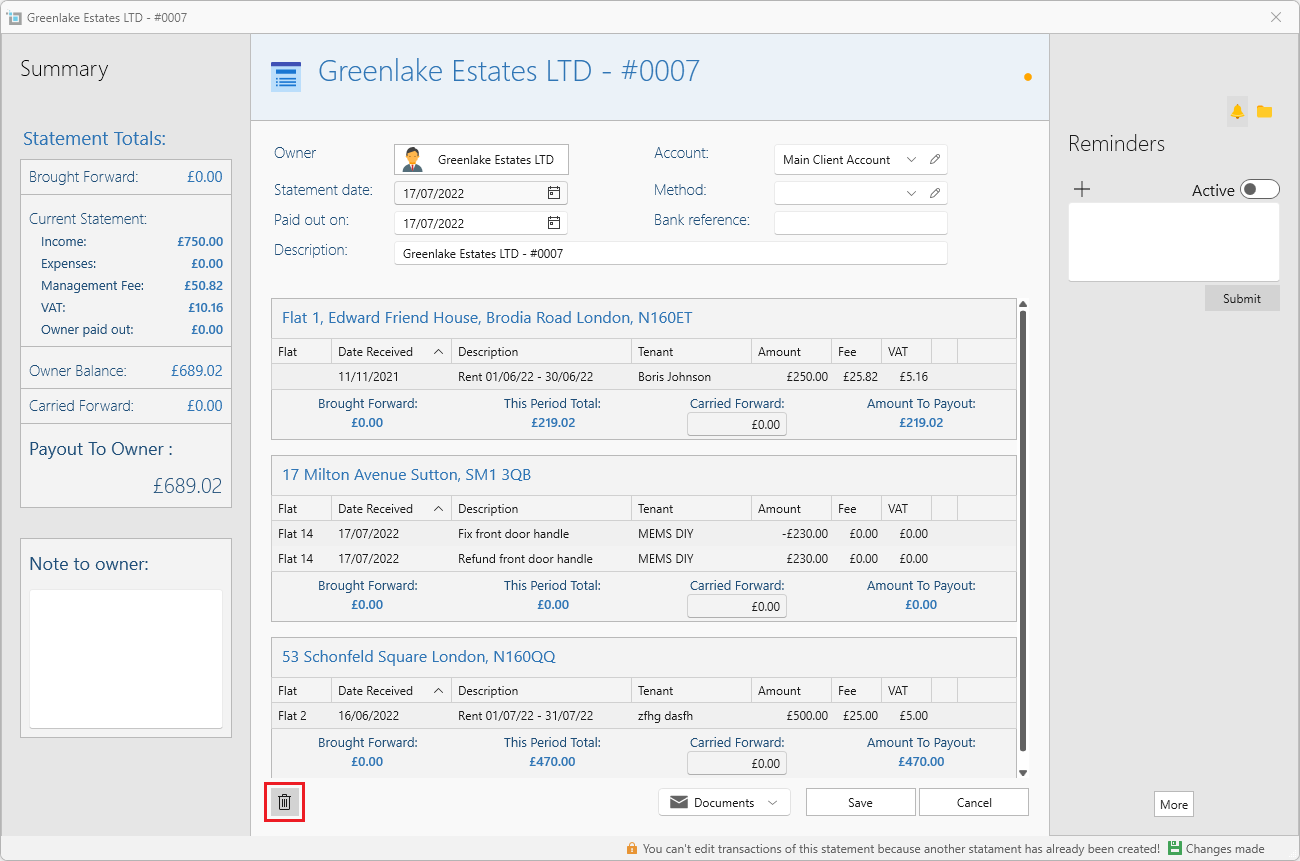
- You can also amend details and then click Save at the bottom right.