SleekTech will always use your computer's regional currency.
If you see a different currency on SleekTech you need to change this on your computer by doing the following:
- In the Search box in the Task bar, type in "Region settings".
- Open the settings.
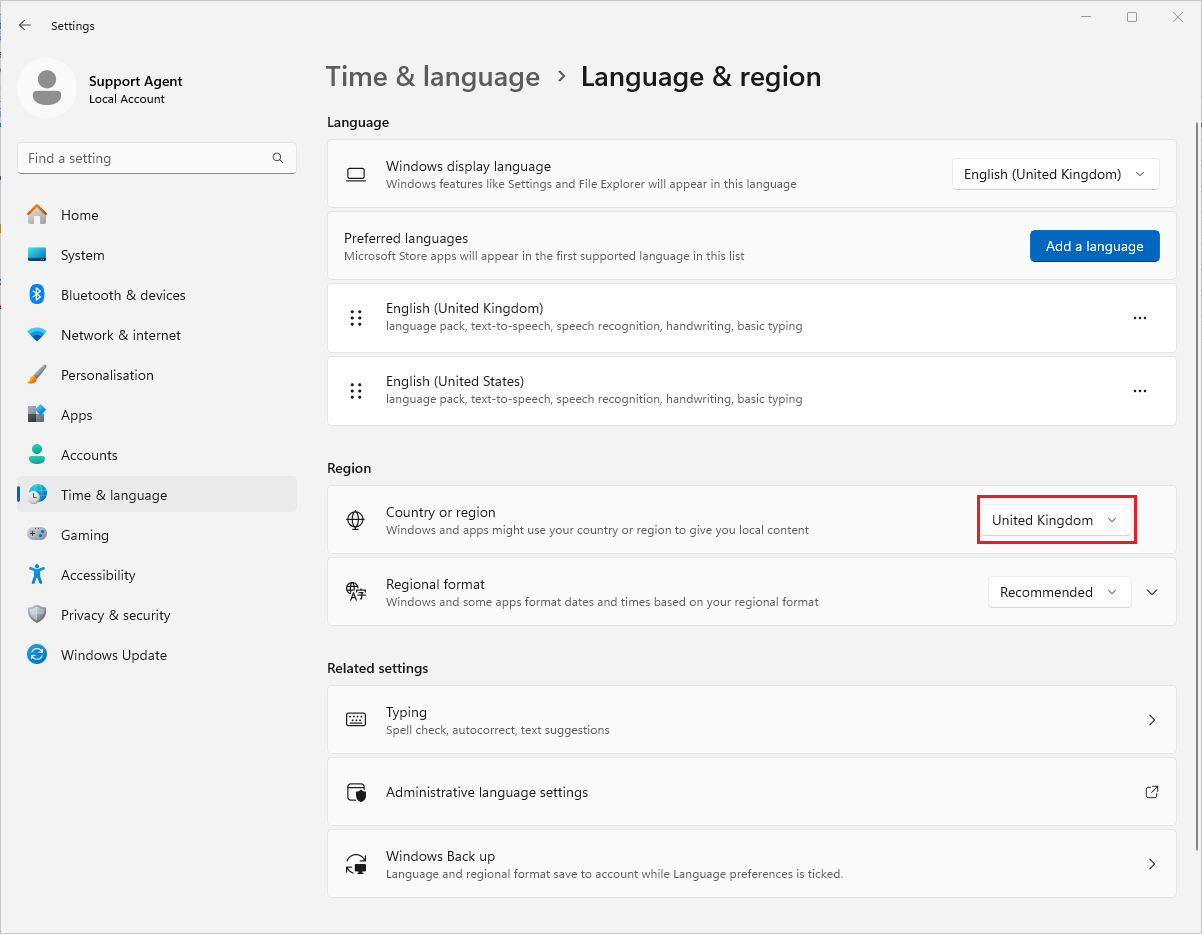
- Under the Region section find the Country or region button.
- Make sure United Kingdom is selected.
- You might have to reopen SleekTech to see the changes.