You can now collapse windows to get bigger view on Lap Tops etc.
SleekTech windows are optimised for big office screens so you can get the maximum content in one glance.
Sometimes, however you might want to work from a lap top screen and you will notice that little data fits into the windows.
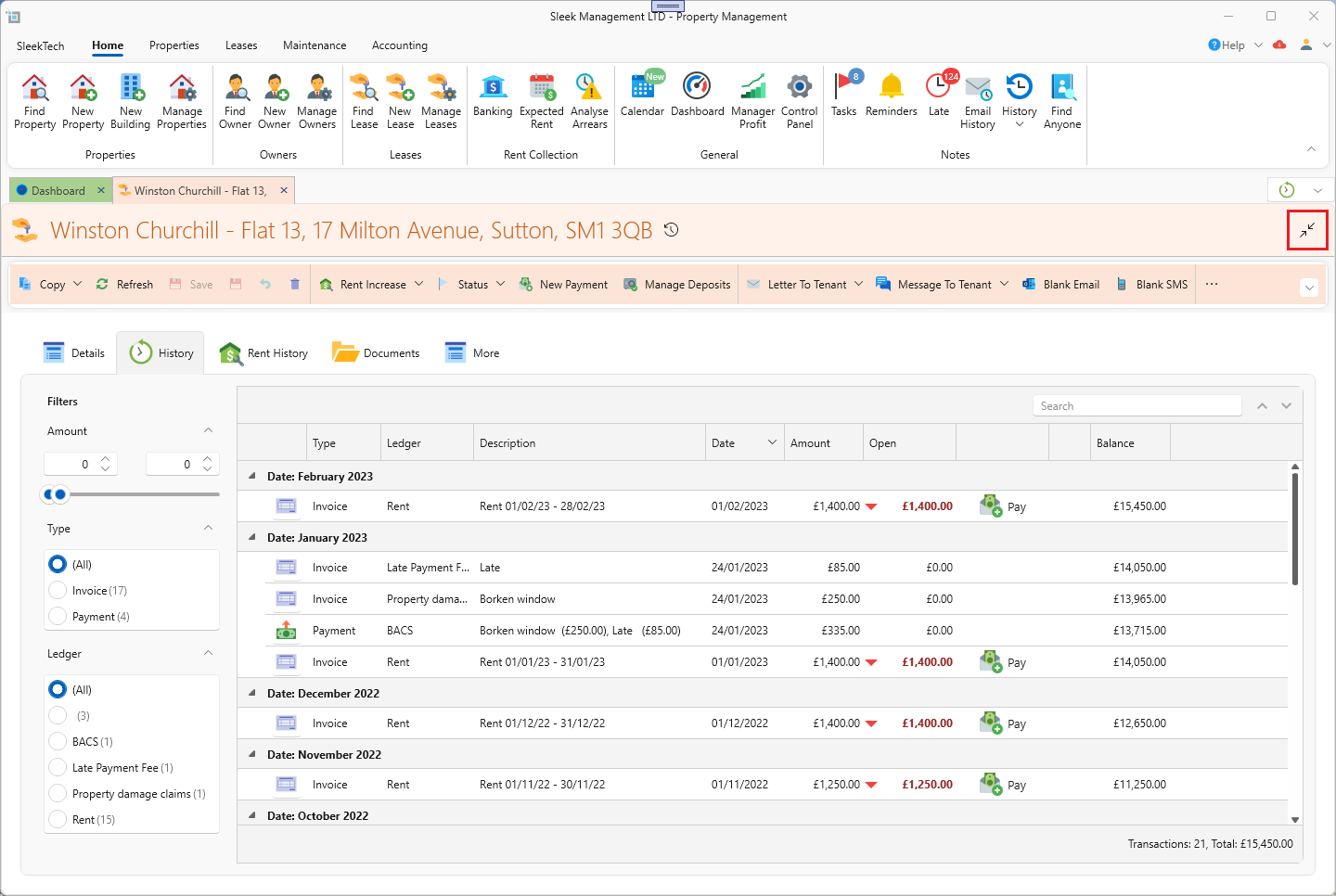
To make this easier you can quickly collapse any window to get more content on the screen. Just click the Collapse icon as shown below.
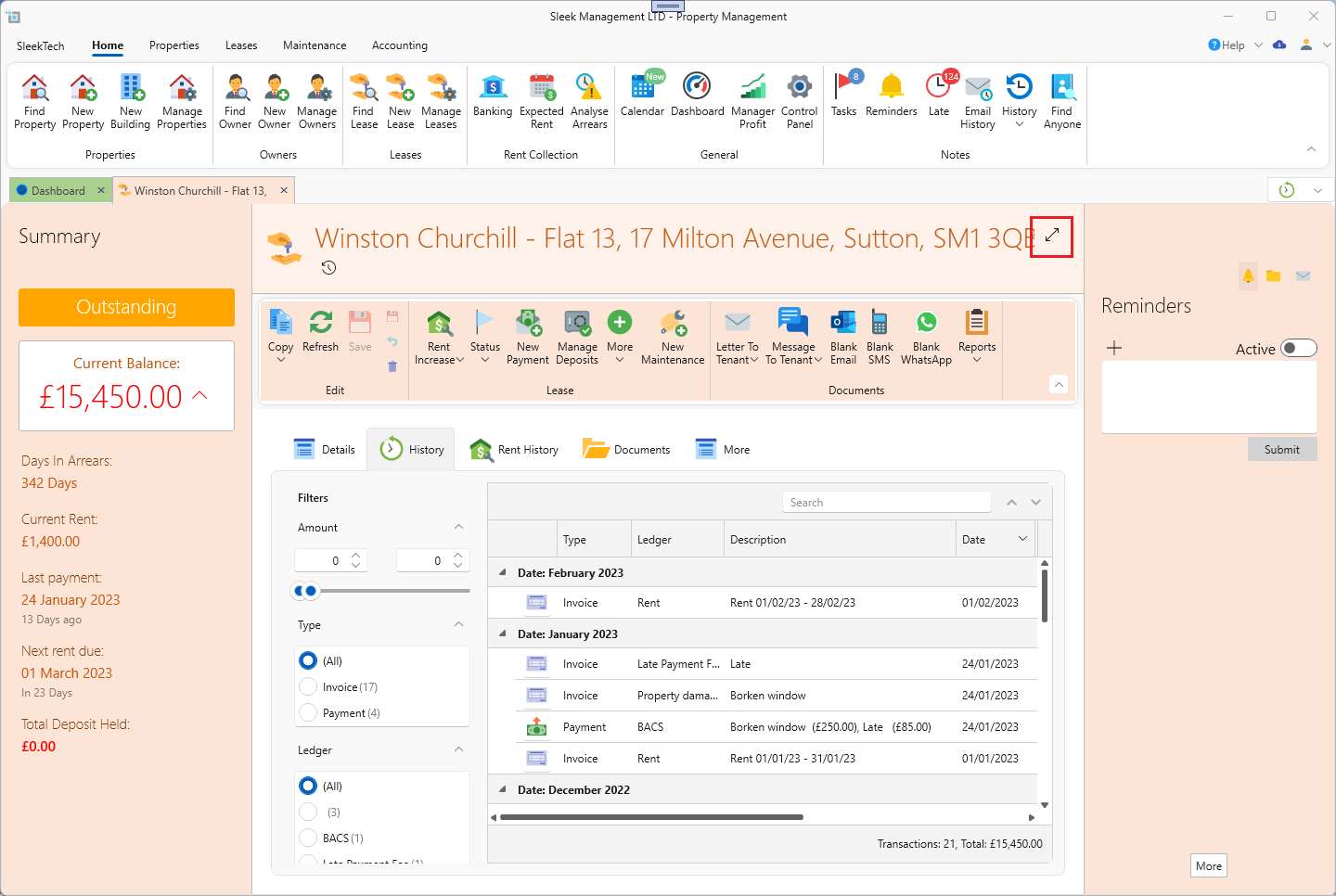
To expand the window again, just click on the Expand button as below:
For more on this topic see link:
Expand or collapse windows - small screens
General landlord expenses not related to any property.
You an now insert landlord expenses that are not related to any property, like an Accounting expense etc.
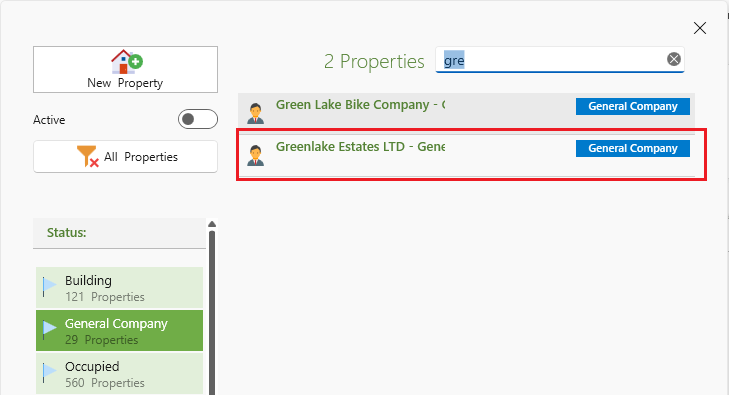
They are inserted like any other expense, but when searching for the property, just type the name of the landlord, and select the entry labelled: General Company - {Landlord Name}.
Those will show up on the statement as an expense for the General Company.
General landlord withdrawals and deposits not related to any property.
You can do the same now to landlord withdrawals and deposits.
Most of the times you want to quickly send funds to a landlord, the transfer is not necessarily related to any specific property. This can now be property recorded.
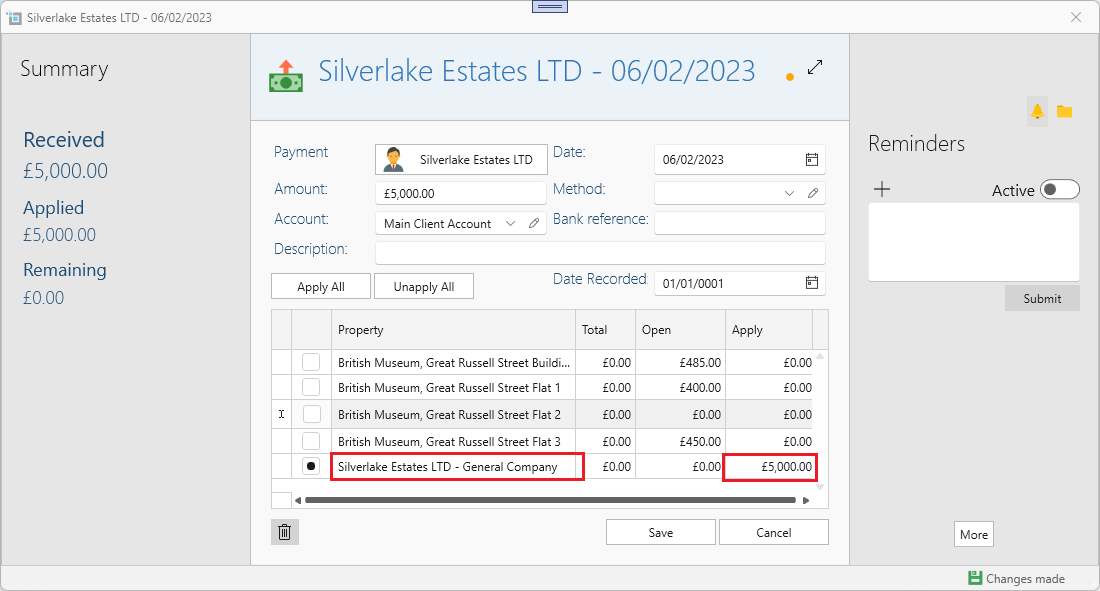
When applying the withdrawal or deposit just find the line labelled General Company - {Landlord Name} and apply the full amount to that line.