
Sometimes you might want to refund a tenant for a part or his full rent for any reason.
This is how to create a refund on the tenant account:
The way to do this is as follows:
- Open the tenancy page.
- Create a credit note with the amount that you want to refund the tenant. Please see the following article on how to do this:
- On the page ribbon under More, click on Refund
- Enter the same amount as you have entered in the credit note, and make sure the date should be the day it was actually sent. Press Save.
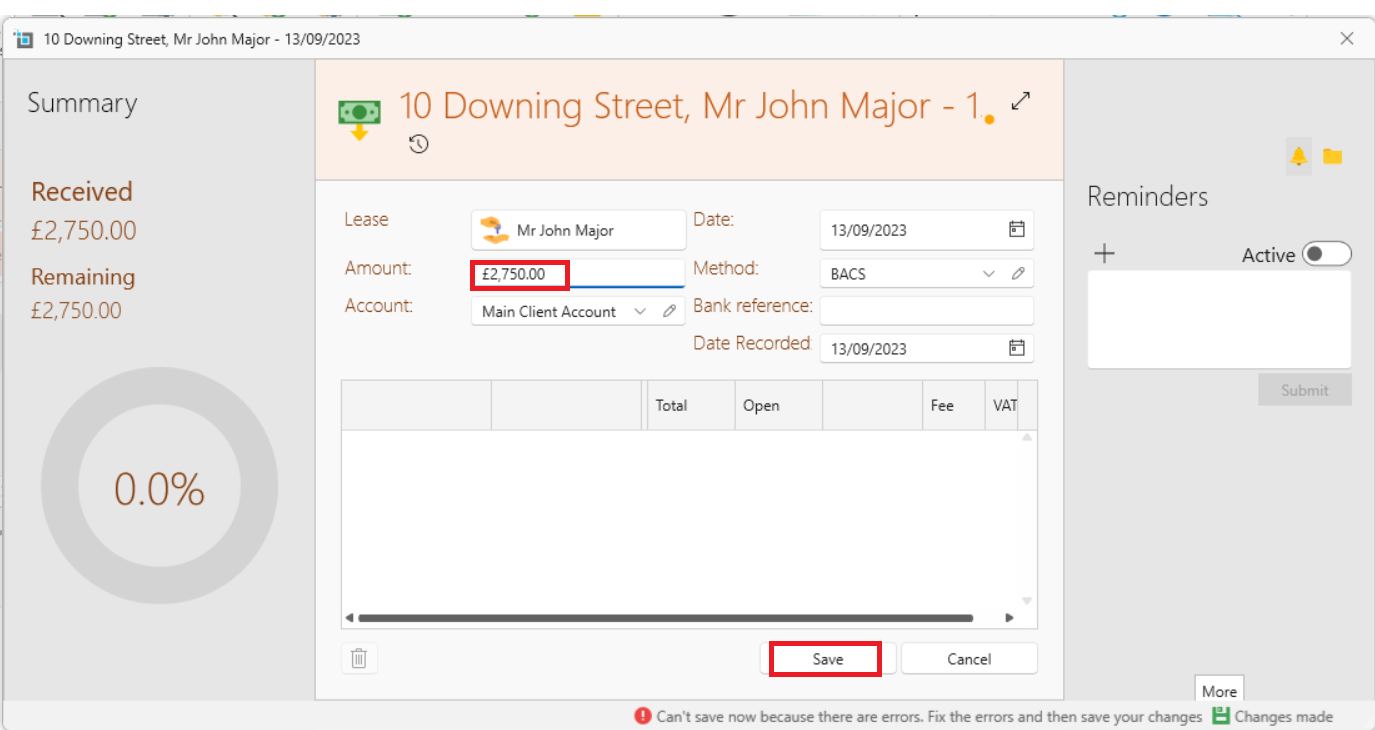
- Go back to the Credit note and open. Find the refund in the list and apply it.
- Press Save.
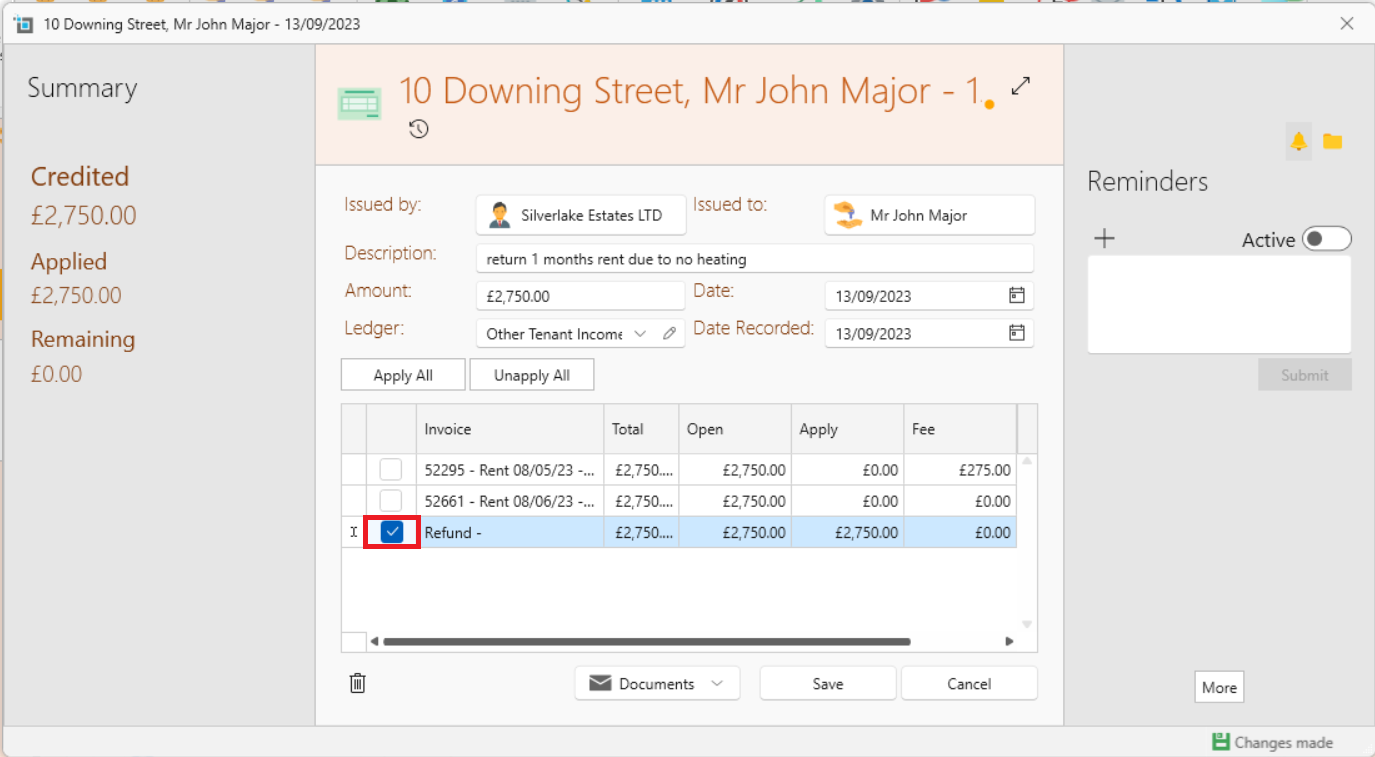
The refund will now show up on the landlord statement and be deducted.