
This is how to log rental income for short term lets.
When managing a short term let you cannot log the rental income as usual as the dates are not consistent. You will need to do the following:
Click on Add new lease.
Switch on the toggle next to No rent will be created automatically.
This will ensure that no rental invoices get created.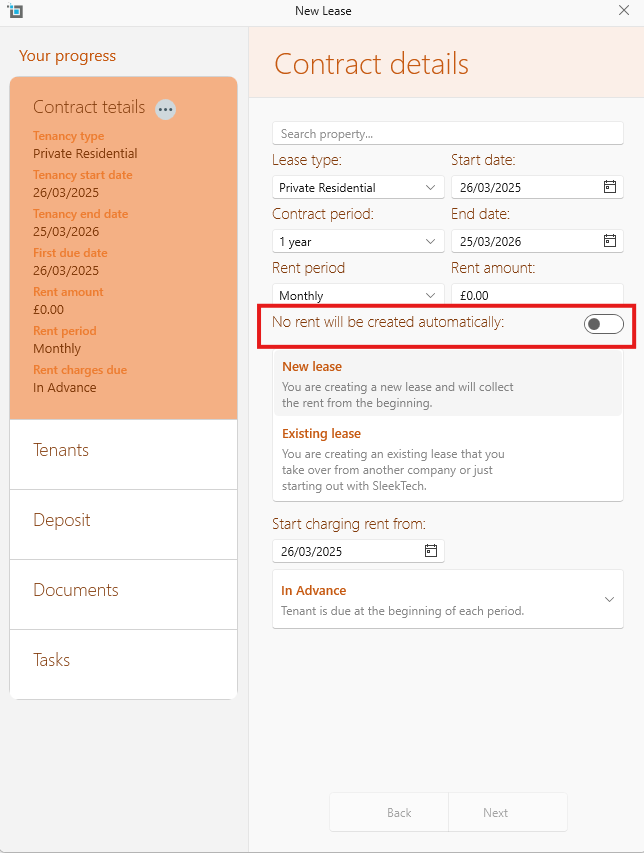
Whenever you let out the property :
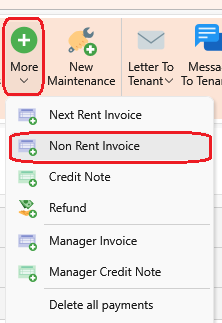
- Select More
- Create a Non Rent Invoice.
- Fill in the rental amount.
- In the Accounts Ledger select Rent.
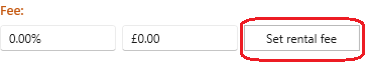
- Then click Set Rental Fee in order to add your commission.
These invoices will now show up on the owners next statement.