
This is how to find a lease:
On the main ribbon click Find Lease. (you can also select Leases from the top of the home page then click Find Lease.)

- A popup will show with the lease list, start typing to search.
- You can search by:
- Name
- Address
- Lease Code
- National Insurance number
- Click on your required lease or use the arrow keys to select your lease and hit enter.
This is how to find a lease from the property page:
You can view current and passed leases for a property by selecting a property then clicking onto the Lease tab.
A list of all leases created for this property will now show with a status to inform you of its current state.
You can now click onto the lease icon to view the lease.
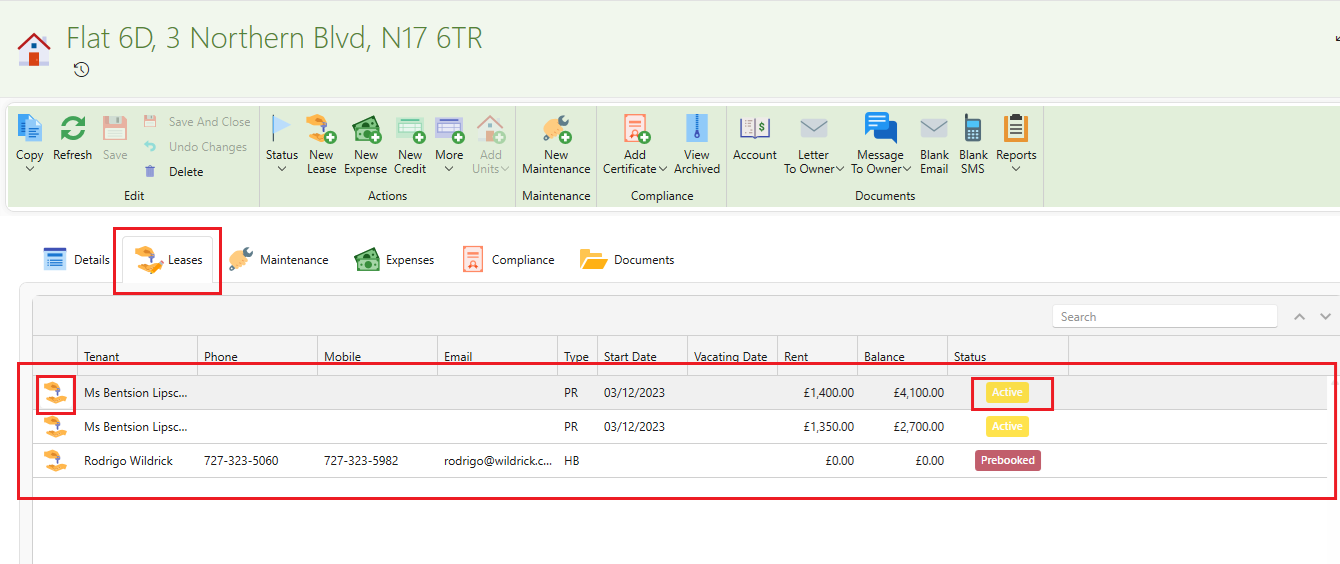
Current lease for a property:
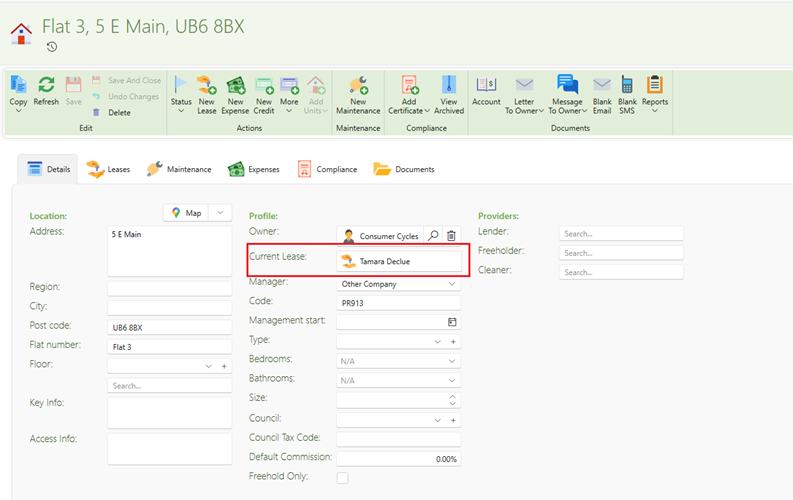
When opening a property page the current lease will show on the detail page as pictured below:
Finding an inactive lease:
Please see the following article in order to find a lease that is no longer active.
Rent Received For An Inactive Property or Lease