
This is how to add documents or edit details for a lease contract or section 13.
On the lease page detail tab you can edit the most recent change to the lease by clicking on the edit icon by the contract information.
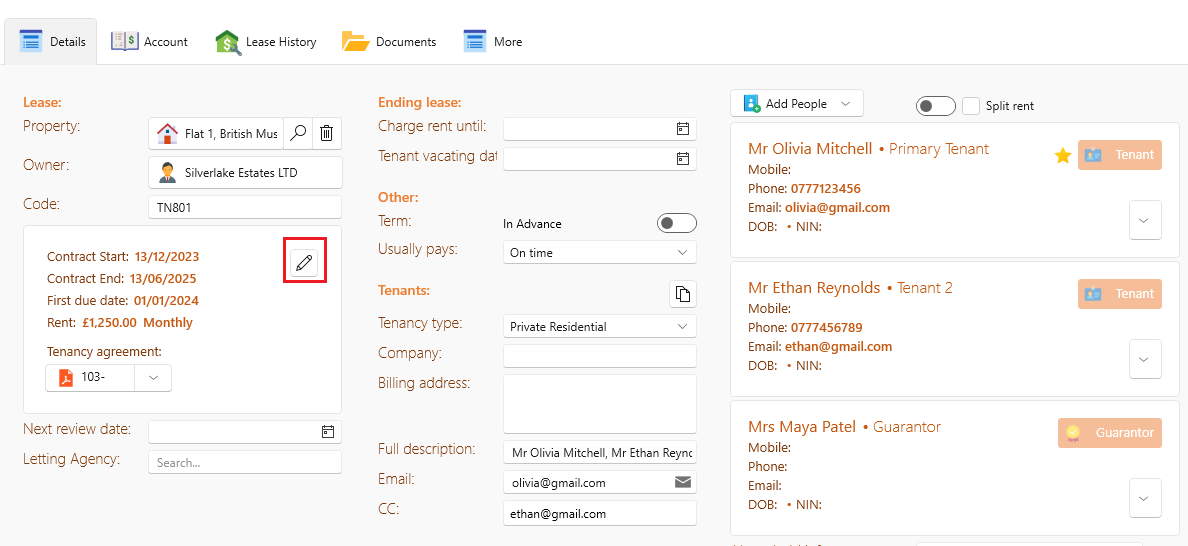
To edit a category other then the most recent change:
- Select the lease
- Click onto the lease history tab
- Select the category you would like to edit from the list e.g. tenancy sign up, by clicking on the little green icon.
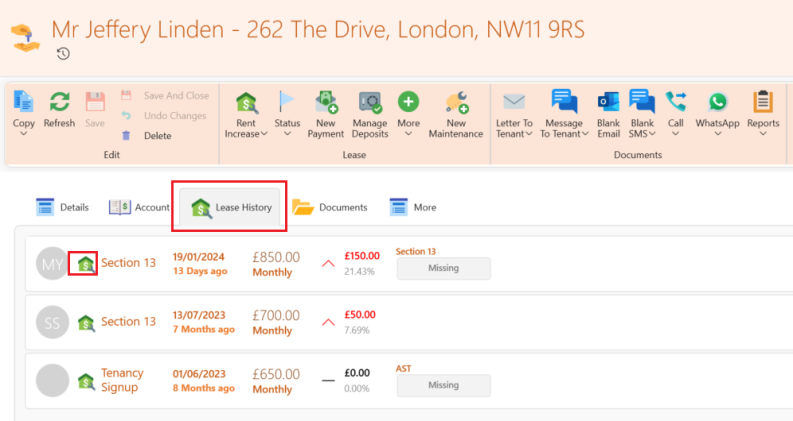
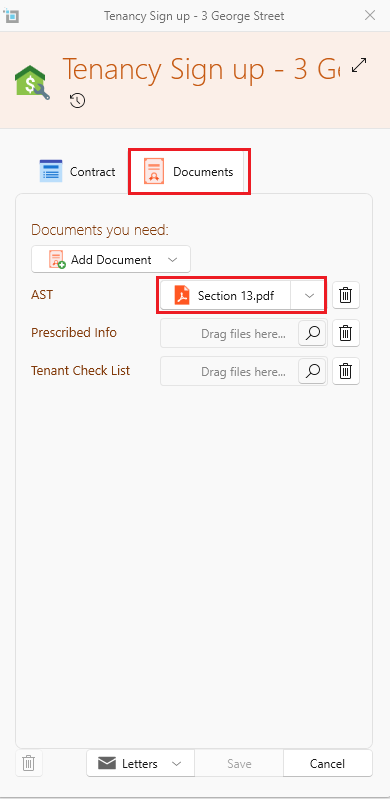
Once the pop up appears you can add or remove a document type, attach documents and edit the information shown.
Note: You can only edit the information in the most recently created item of that category e.g. the most recent contract renewal.
When you submit a contract renewal, any existing Section 13 notice and Tenancy Sign-Up document are automatically archived.
Only documents added under the Contract Renewal tab such as an AST will appear on the Details tab.
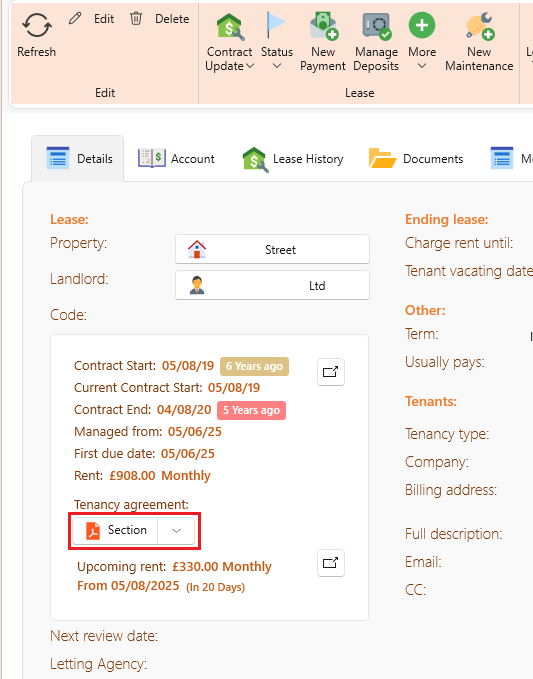
If you've added a Section 13 notice under the Contract Renewal tab and the system isn't recognizing it, this is because Section 13 notices don't apply to contract renewals.
If you need to issue a Section 13 notice, you can do so by clicking the Contract Update button and uploading the Section 13 document there.
Linked articles: