
The Rent Increases management window enables you to see an overview of your rent changes.
You can use the filters to view and manage all previous and upcoming rent changes.
- Click on the Leases tab.
- Select the Rent increases option.

By default the rent increases window opens to show any upcoming rent increases in the year ahead.
You can filter the dates according to your preferences in order to see a different date range e.g. the previous months or years
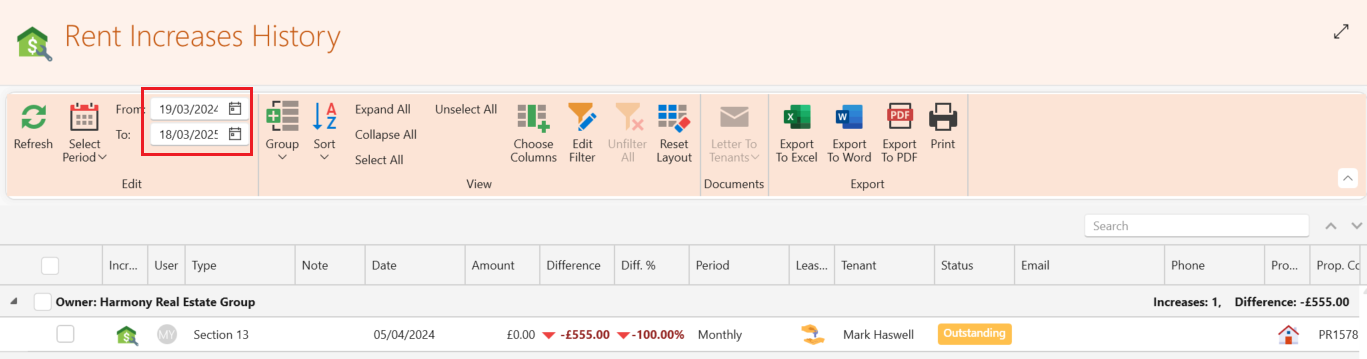
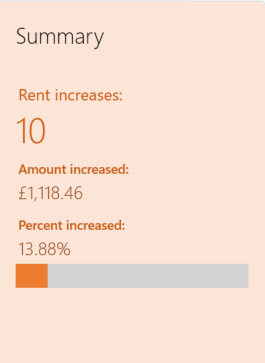
The panel on the left hand side will give you a clear summary of the rent increases in the date range you have chosen including the percentage increased.
For further information on how to increase the rent for a lease please see the following article: How to increase rent