This article will guide you on how to record the following transaction:
An expense for a property has been paid by the landlord directly to the supplier.
You would like to record this transaction on SleekTech so that it should show up on the landlord statement, however no payment went through your company.
Follow the guidance below to record a transaction that the landlord paid an invoice directly to the supplier
- Find the desired property.
- On the page ribbon of the property click on New expense.
- You can either drag the invoice in or fill in all the details manually. Make sure to put in the name of the supplier. Click Save and Close.
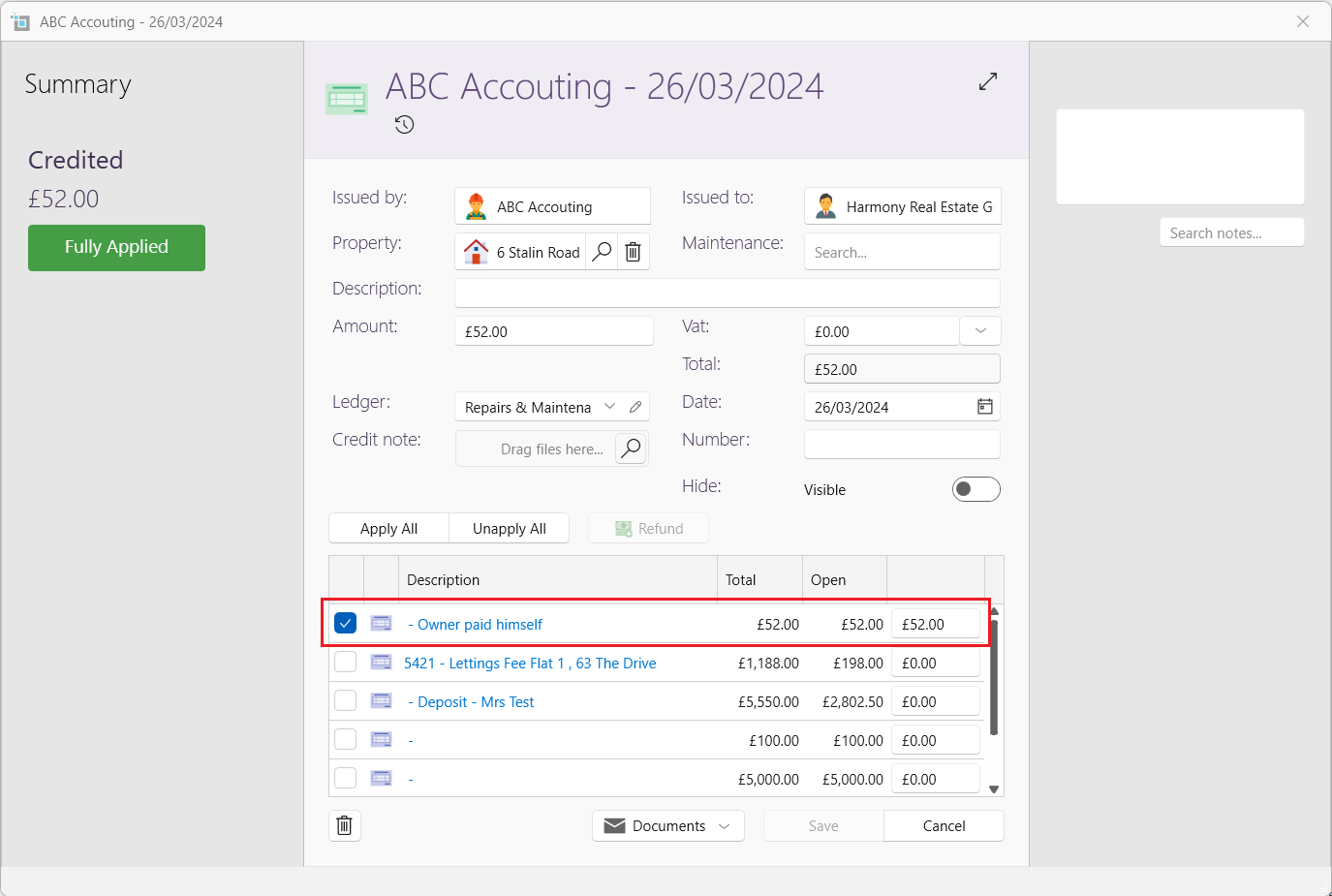
- On the page ribbon of the property click on New credit.
- Put in the same amount, date and supplier. In the description column, fill in the reason of the credit such as Paid directly by owner.
- Click Save
- Reopen the credit note and apply it to the invoice