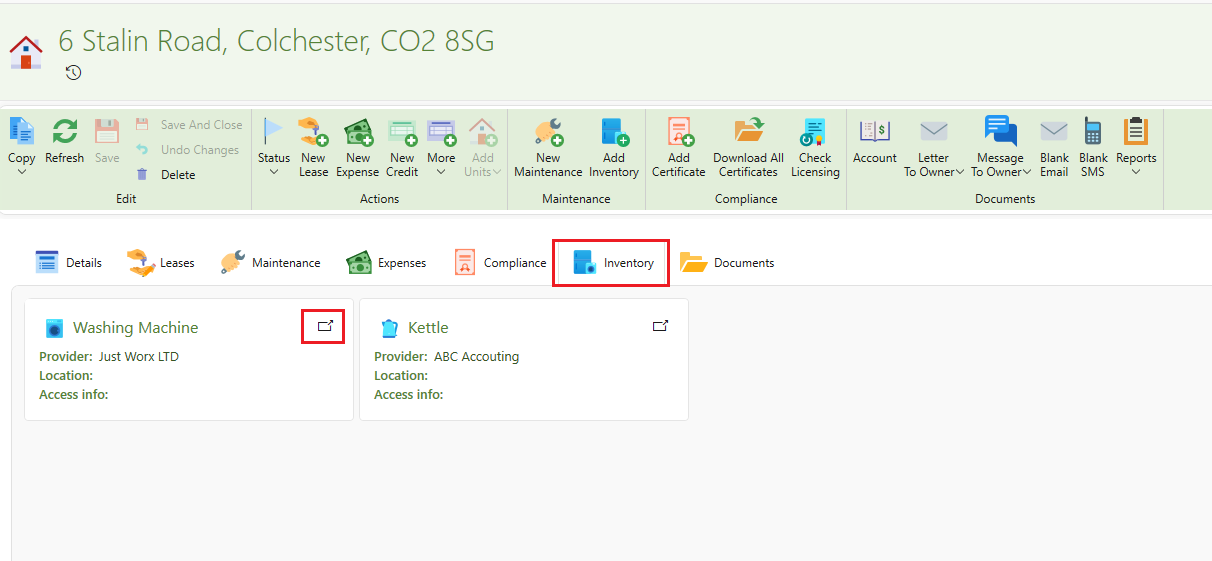
Under the Inventory tab on each property page, you can create a comprehensive list of items that come with the property such as furniture and appliances, when they were installed and an insurance or guarantee attached.
How to add inventory to a property
- Go to the desired property
- On the page ribbon of the property click on Add inventory
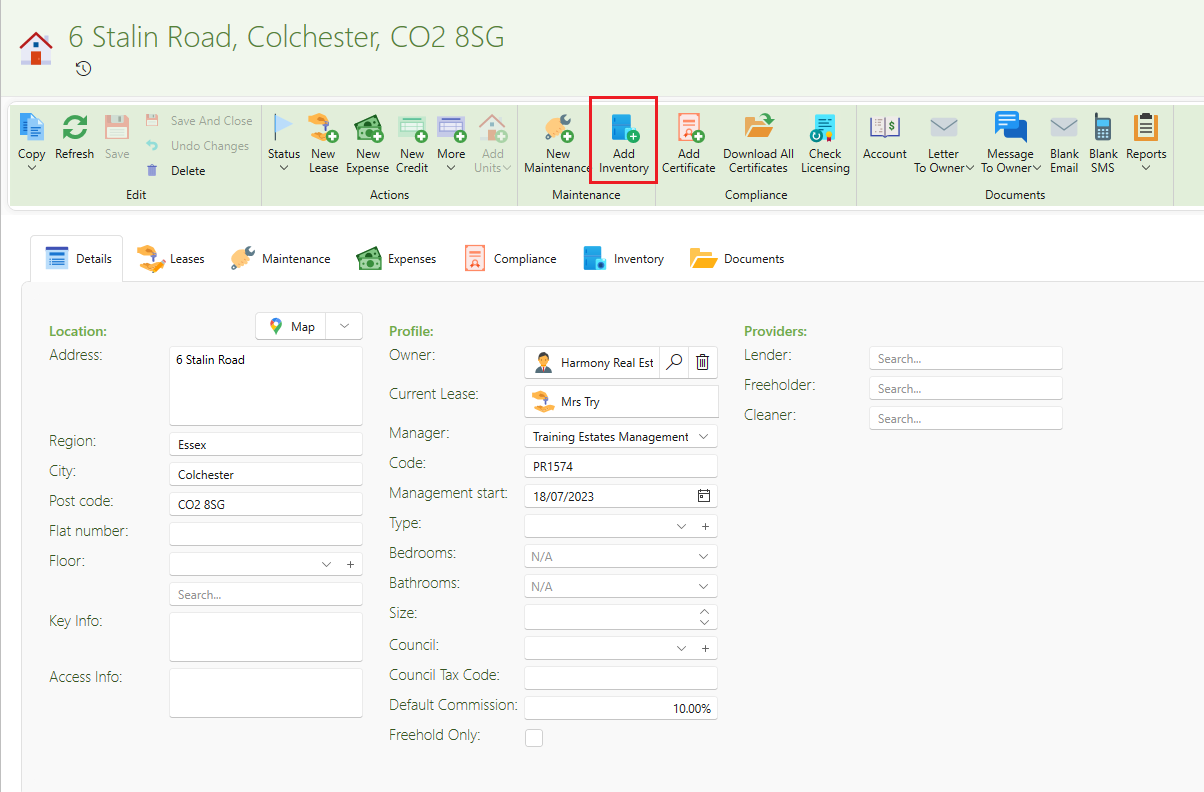
- A list of many options will appear, click on the desired option or on Other if not found on the list.
- In the Supplier box, search for the supplier of the appliance. Put in the purchase price. Check the Warranty box and enter the warranty expiry, if there is a warranty. You can also drag any guarantees to the box at the side and add notes if needed.
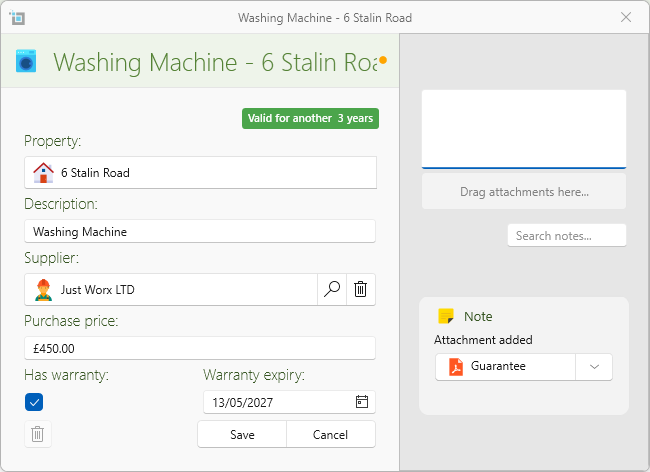
- Click on Save
- All appliances/furniture added will be found under the Inventory tab. Click on the open button on the right hand side of the box to open for more details