
This is how to set up a long lease tenancy.
Long lease tenancy
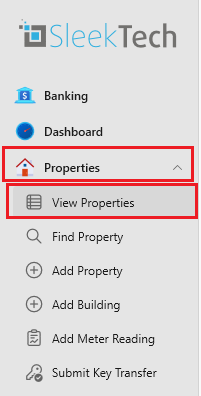
- On the navigation tab on the left click on Properties.
- Now click on View properties.
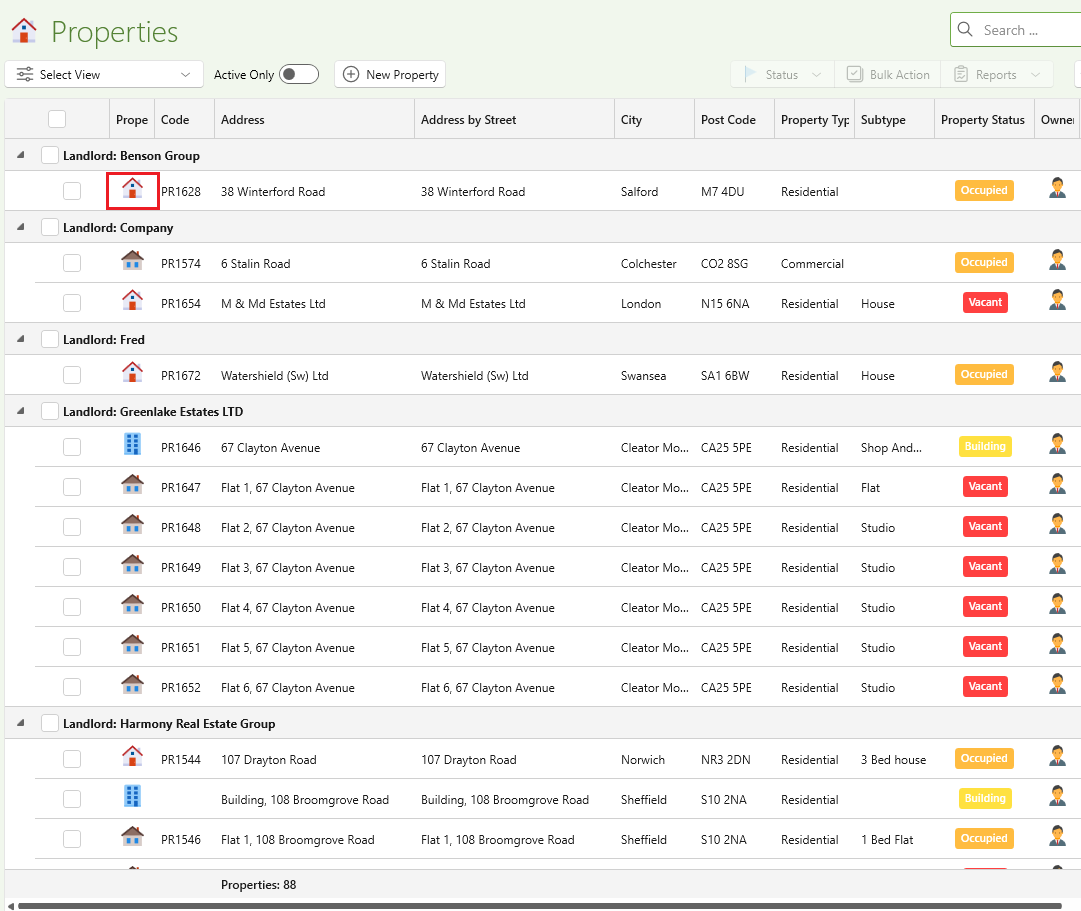
- In the properties page tab find the property you want to open
- Click on the Property Icon.
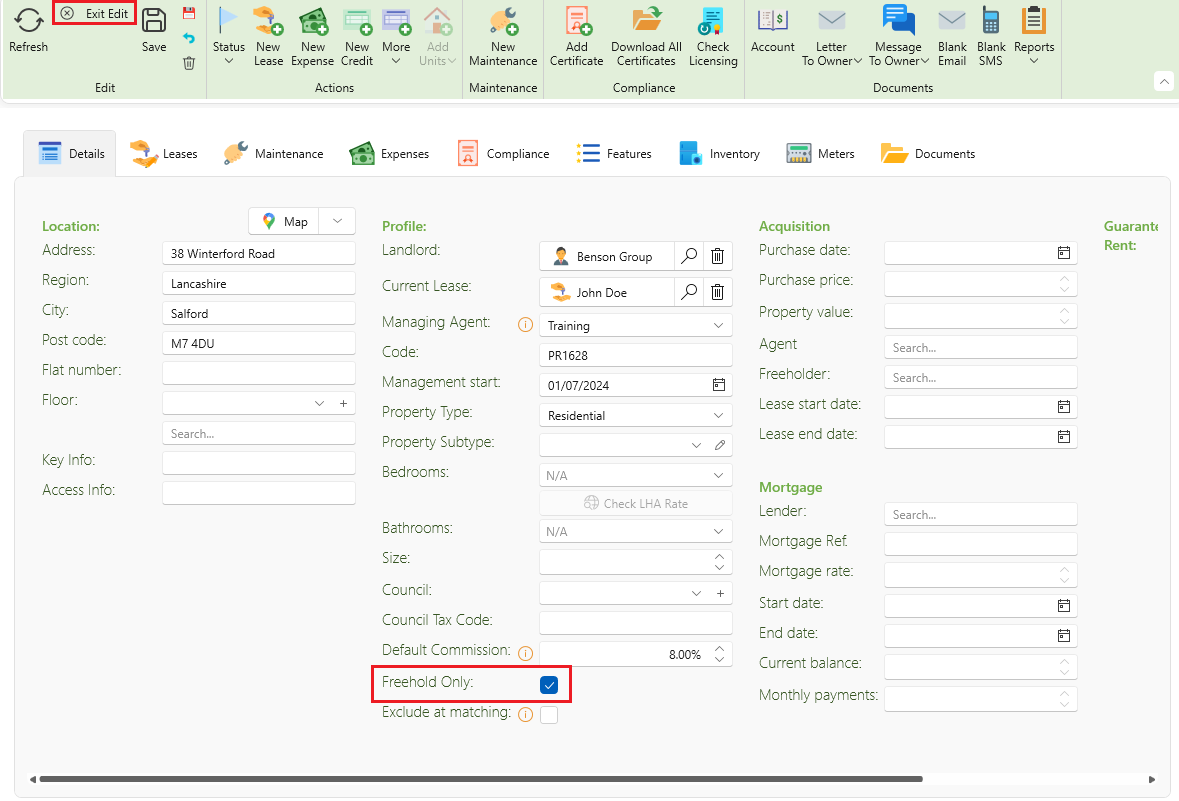
- Now one the property page click on the Edit button on the top ribbon, this will enable you to select the Freehold.
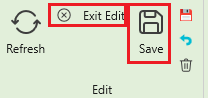
- Once that is done click on Save then click Exit edit.
- Now find the Leases icon on the properties page and click on the Leases icon.
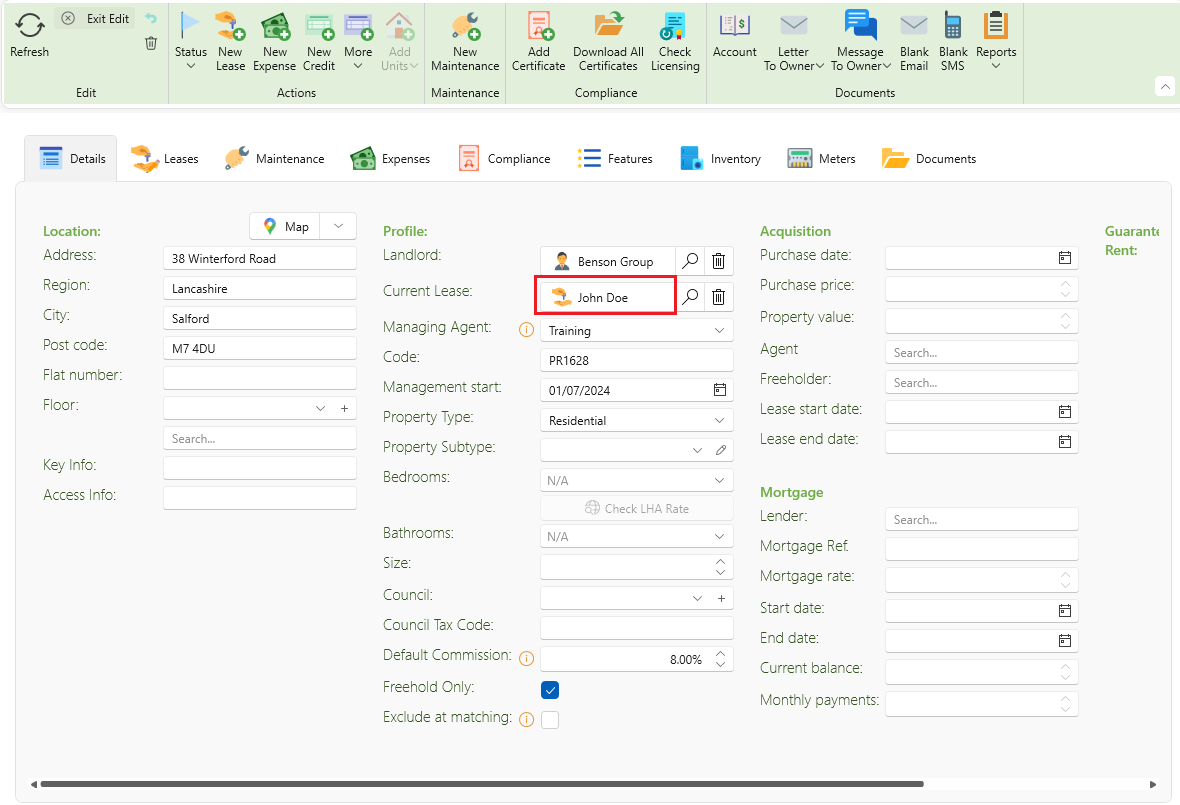
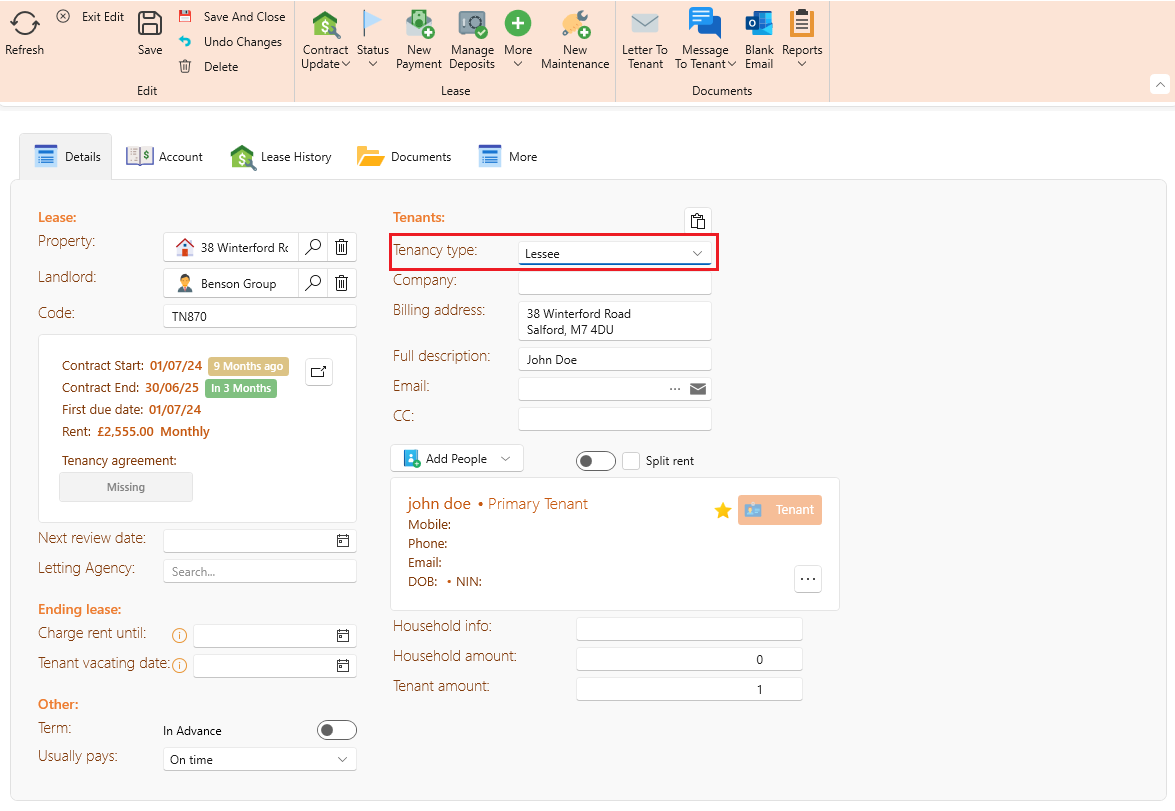
- On the leases page under tenants, there is a dropdown below select Lessee from tenancy type.
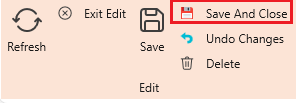
- Now on the top ribbon click on save and close.
- All automatic rent created for this tenancy will be created as ground rent.
Want to know more.
How to set up service charge : Service charge