This is how to view all deposits.
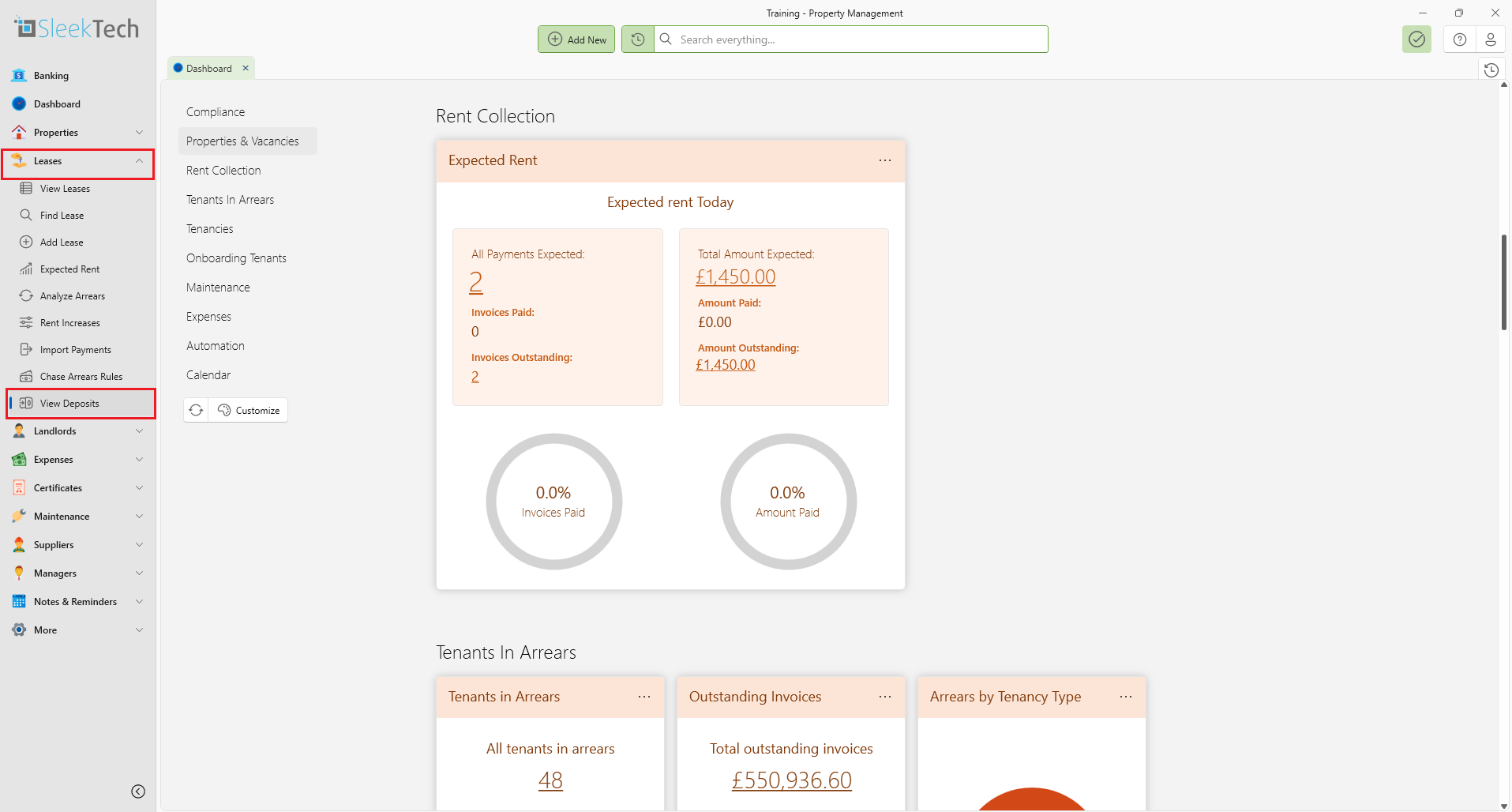
- On the left navigation tab click Leases.
- Click on View Deposits.
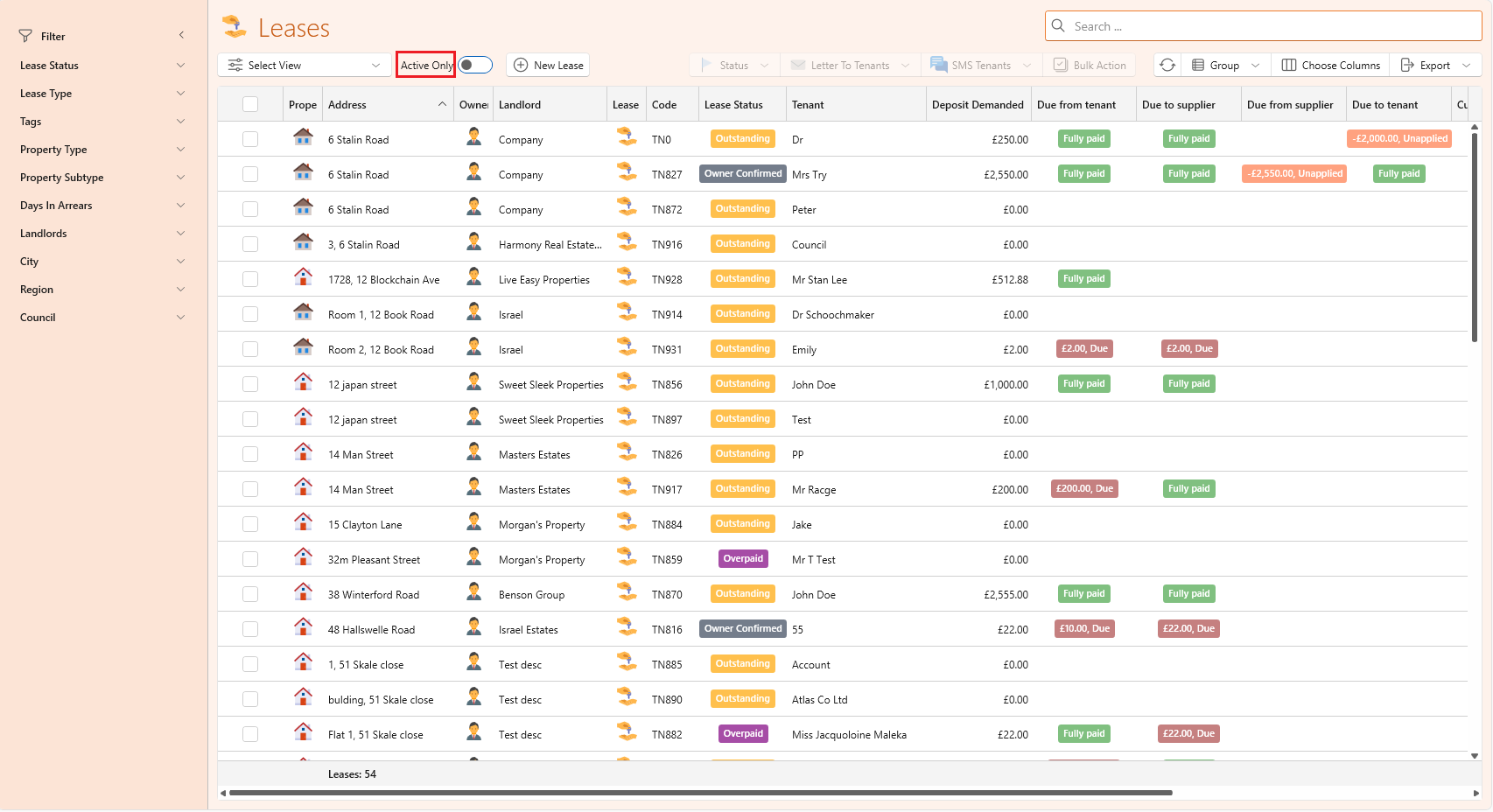
- On the Lease page, find the Active Only toggle switch.
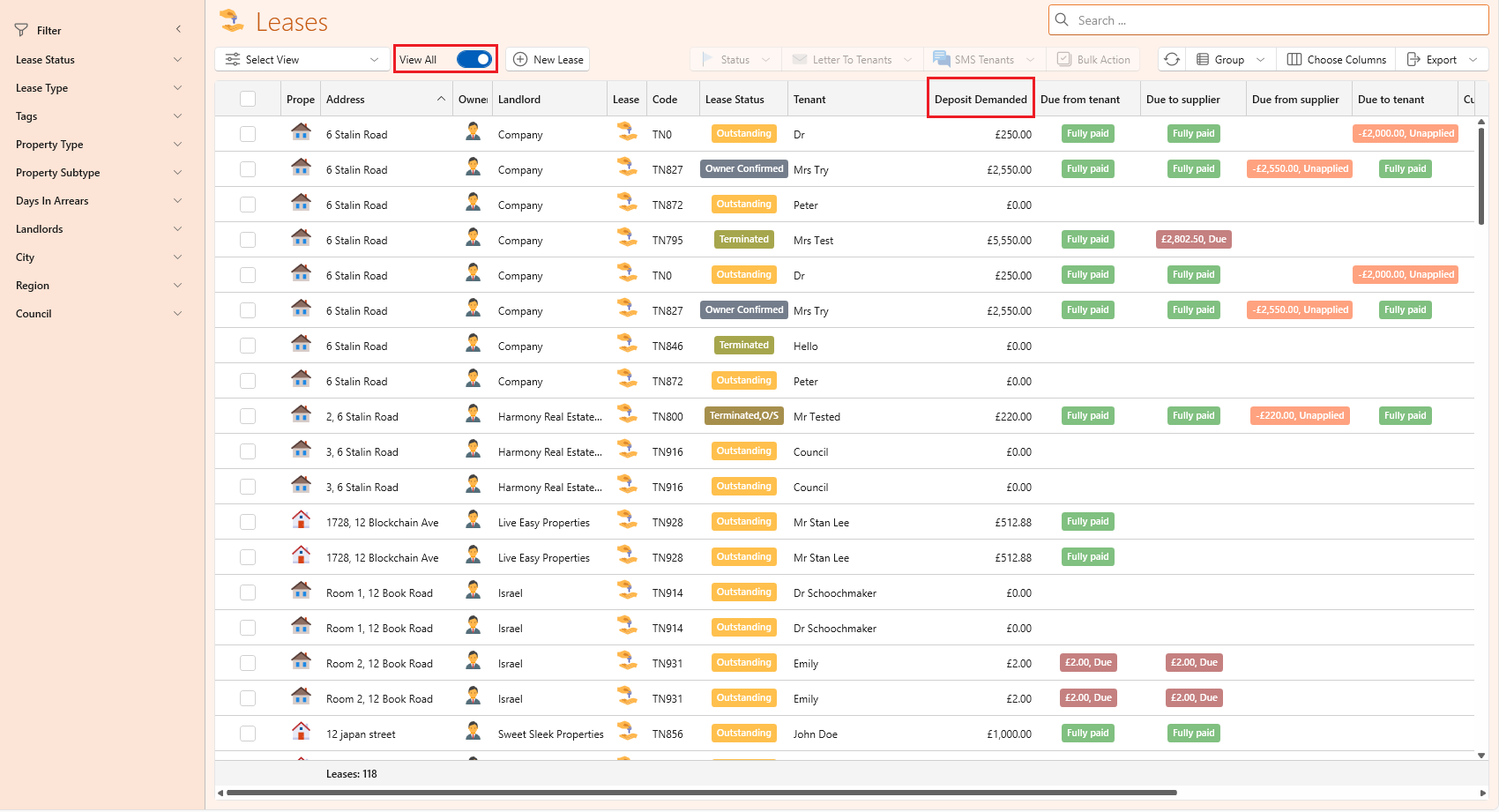
- Switch the toggle to View All and it will display all the deposits.

Modified on: Thu, 24 Apr, 2025 at 3:58 PM
This is how to view all deposits.
Did you find it helpful? Yes No
Send feedback