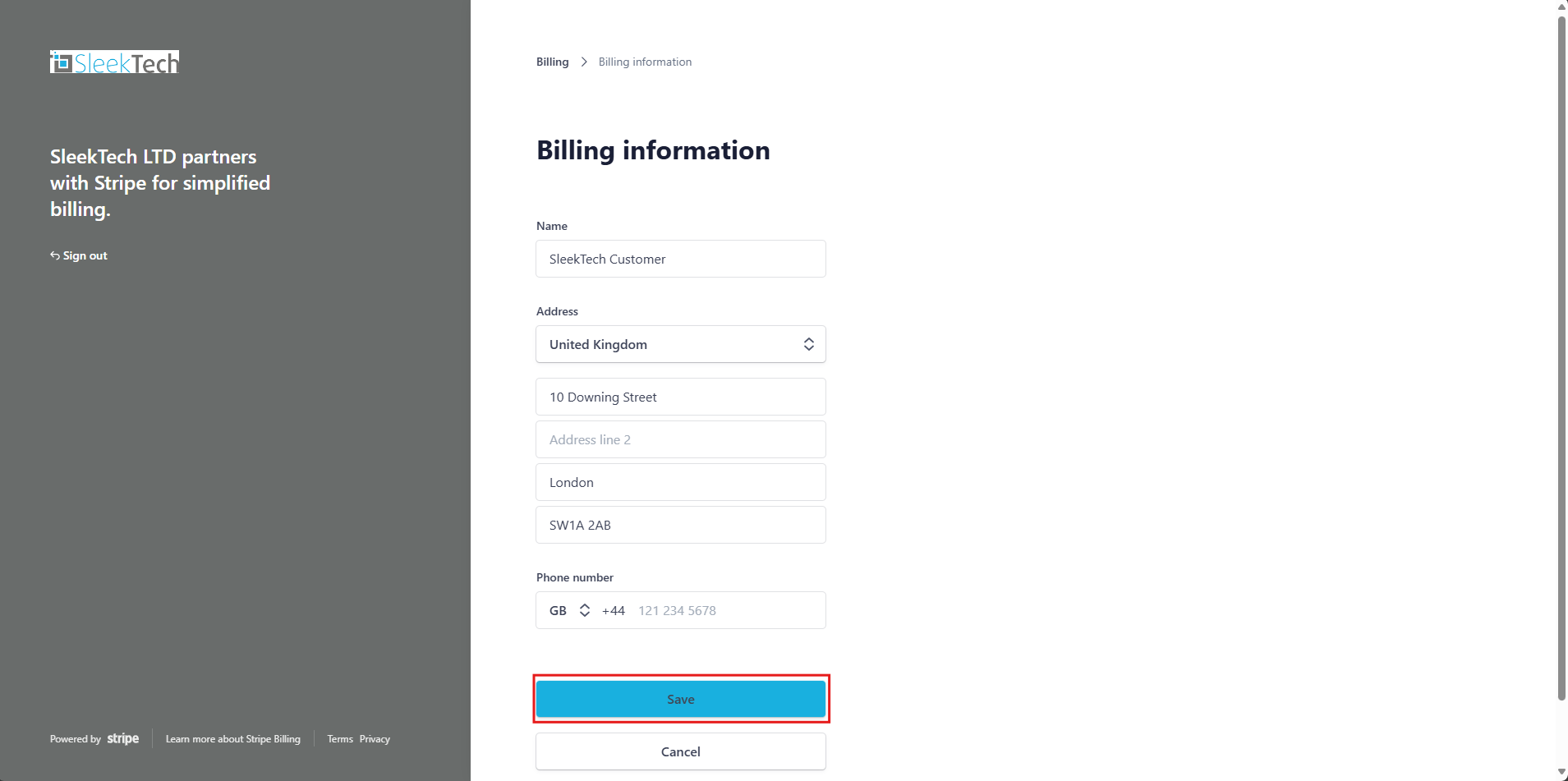
Here’s how you can update your billing information in just a few clicks.
Click on the link to access the SleekTech Stripe login page:
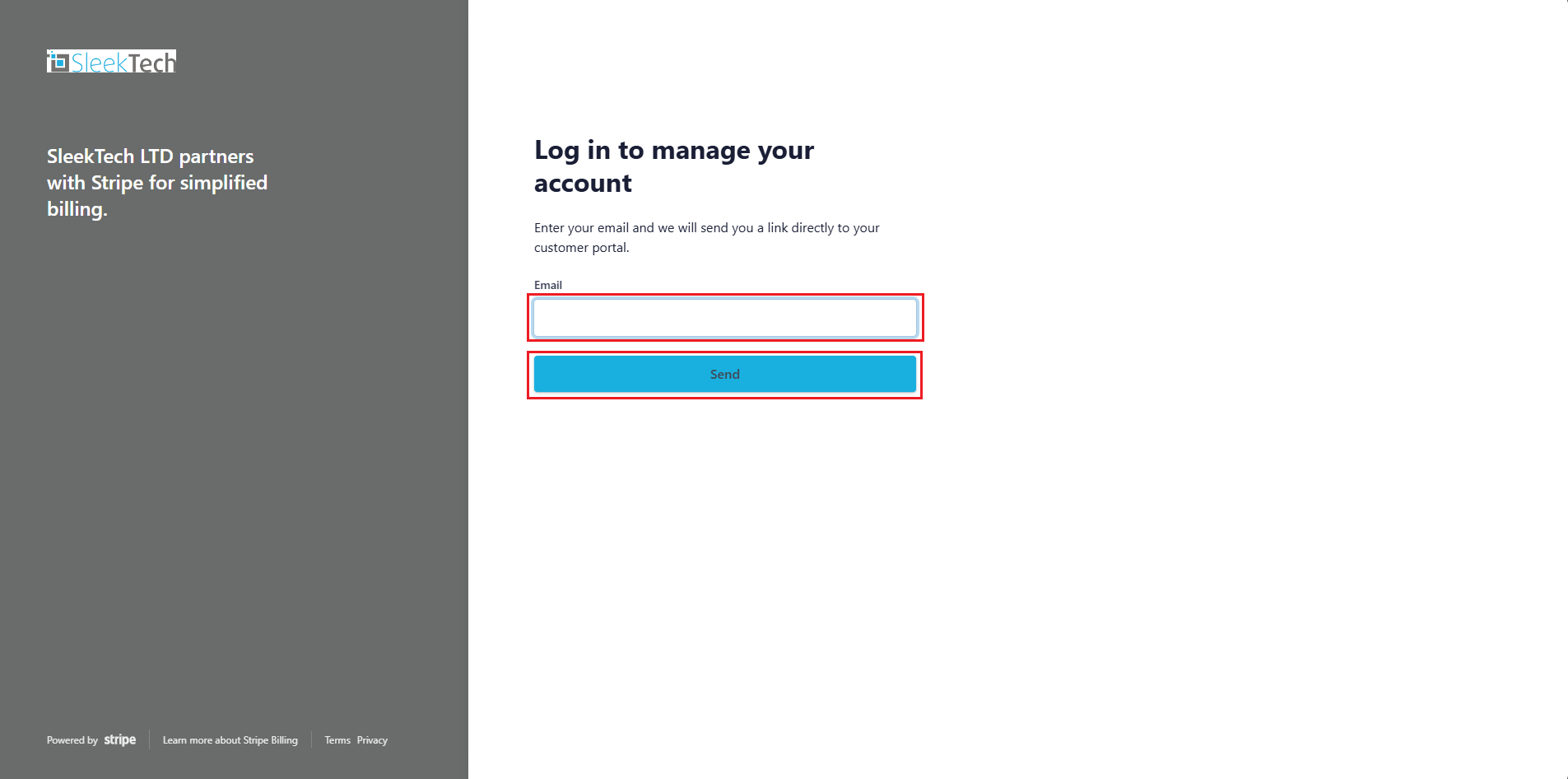
- The SleekTech Stripe page will open and prompt you to enter your email to log in
- Enter your email address and click Save.
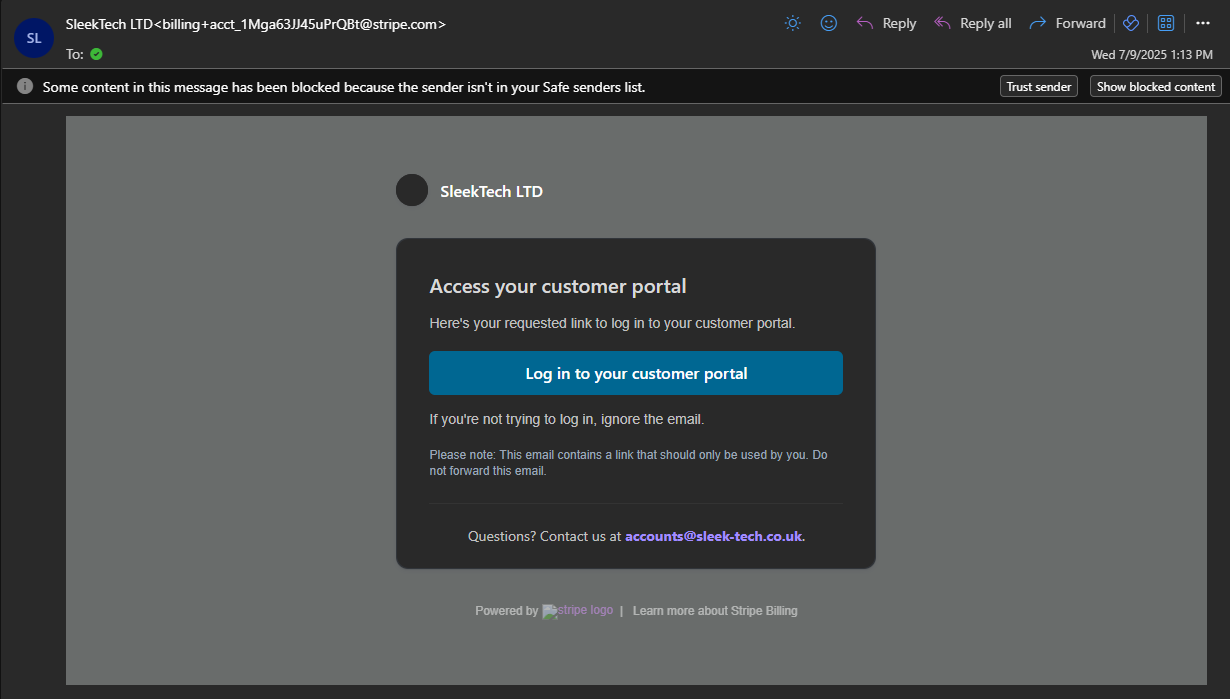
- An email will be sent to you to allow access to the customer portal. Please click on the Log in to your customer portal link in the email.
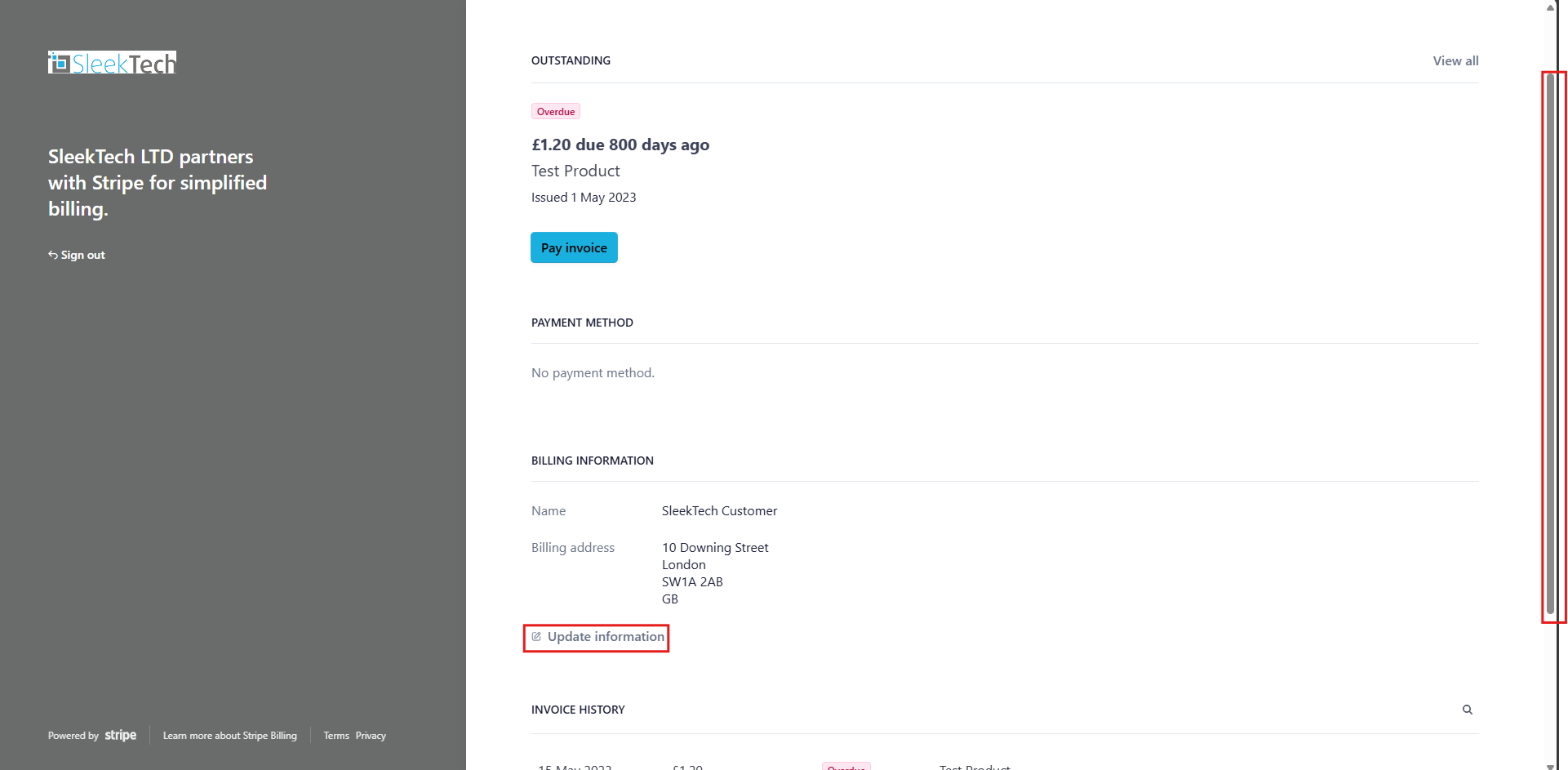
- Once you’re logged in, scroll down to the Billing Information section.
- Click on Update Information.
- Update your billing information.
- Click Save