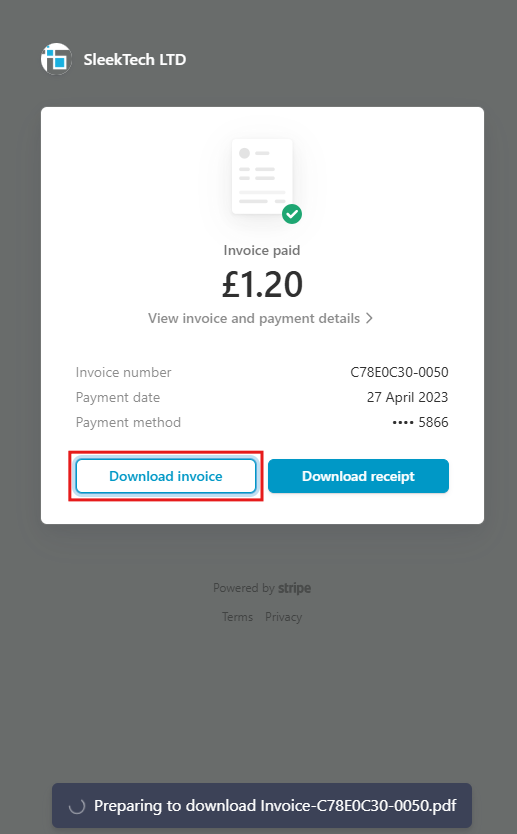
Here’s how to download your invoices from Stripe quickly and easily, so you can keep your payment records organized and accessible whenever you need them.
Click on the link to access the SleekTech Stripe login page :
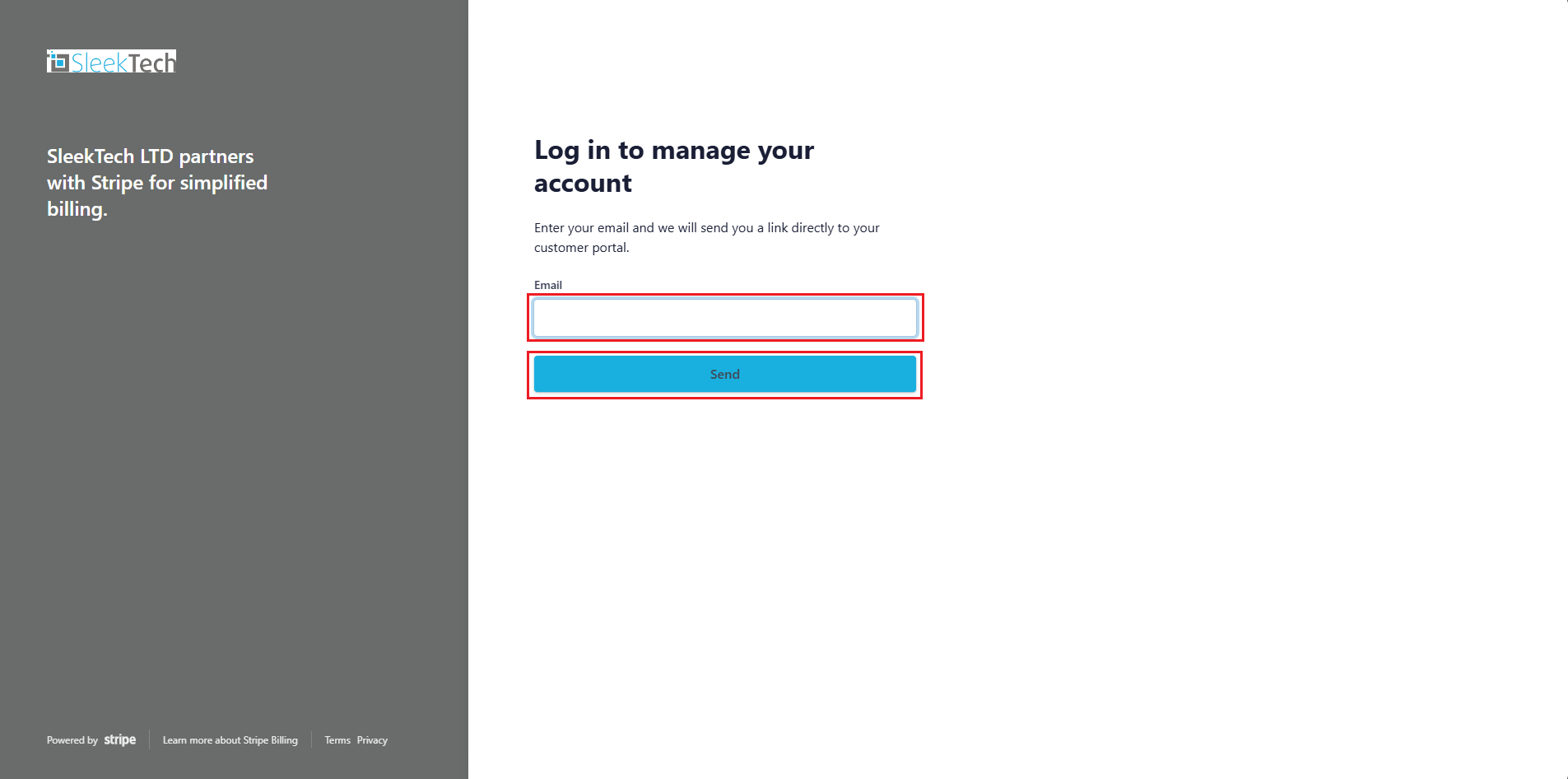
- The SleekTech Stripe page will open and prompt you to enter your email to log in
- Enter your email address and click Save.
- Please note: This must be the same email address which was used during the original DD sign up.
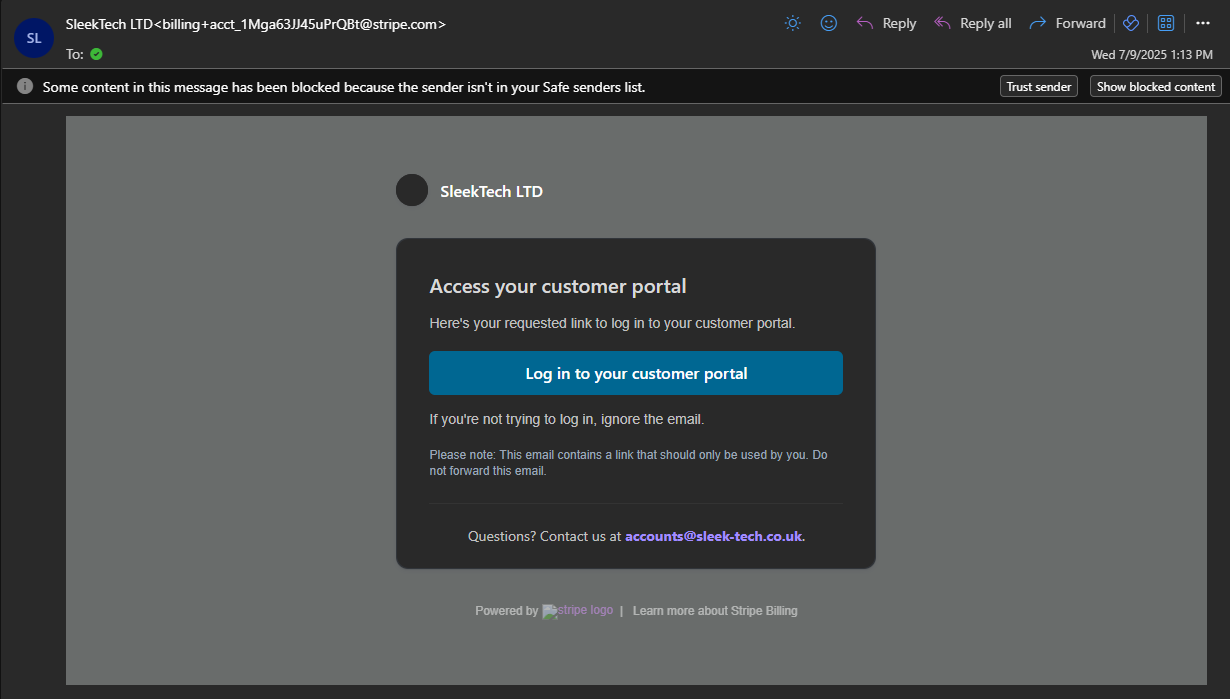
- An email will be sent to you to allow access to the customer portal. Please click on the Log in to your customer portal link in the email.
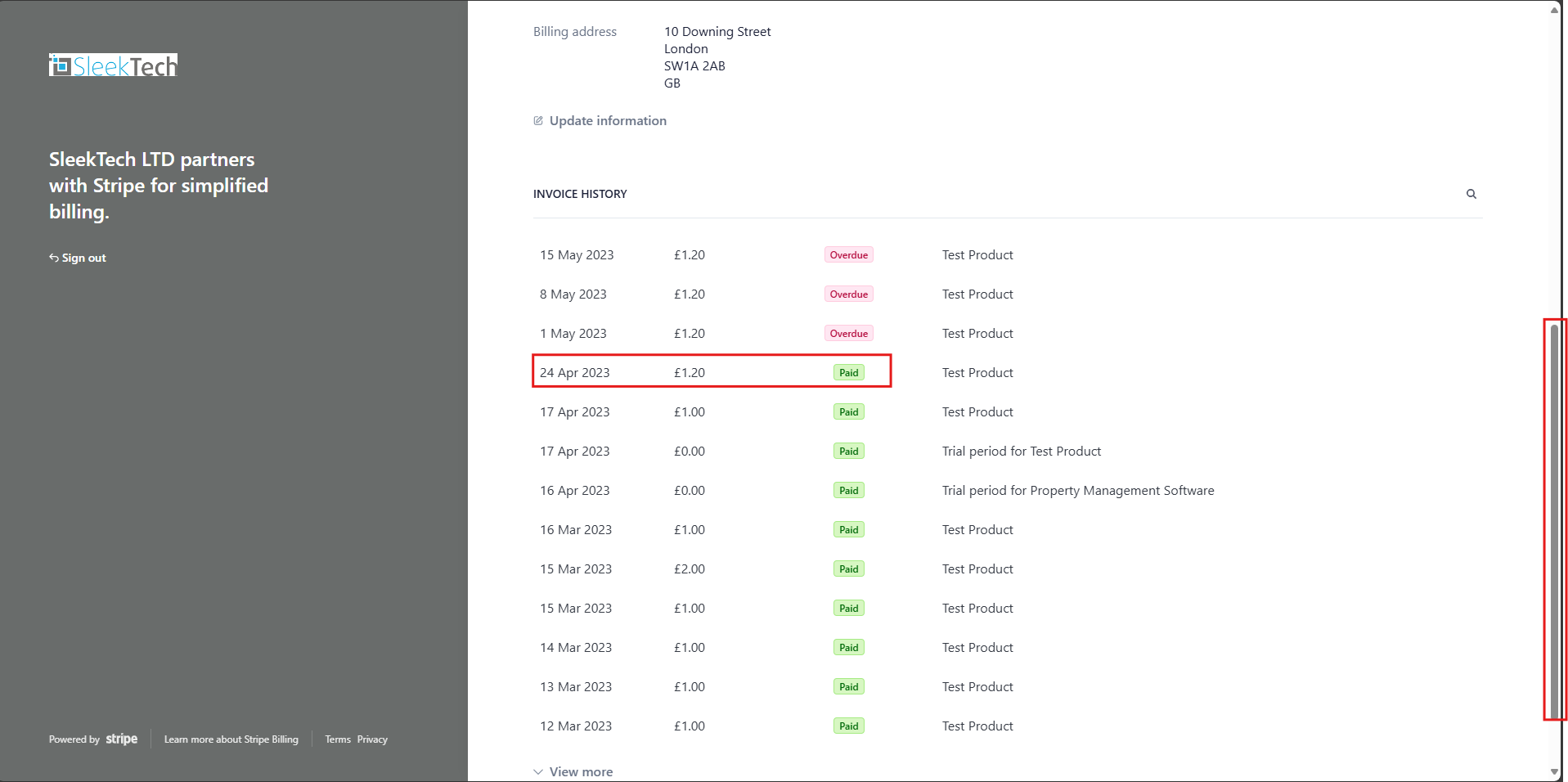
- From the stripe home page scroll down to Invoice history.
- Click on the Invoice you want to download
- You will be redirected to the pay gate.
- On the invoice section at the top.
- Click on Invoice PDF
- You will see a download pop up appear on the bottom of the screen and your invoices will be downloaded onto your device